EasyManua.ls Logo

HP 54522A - Page 79

HP 54522A
292 pages
Print Icon
To Next Page IconTo Next Page
To Previous Page IconTo Previous Page
Loading...
Sequential
Single-Shot
Exercise
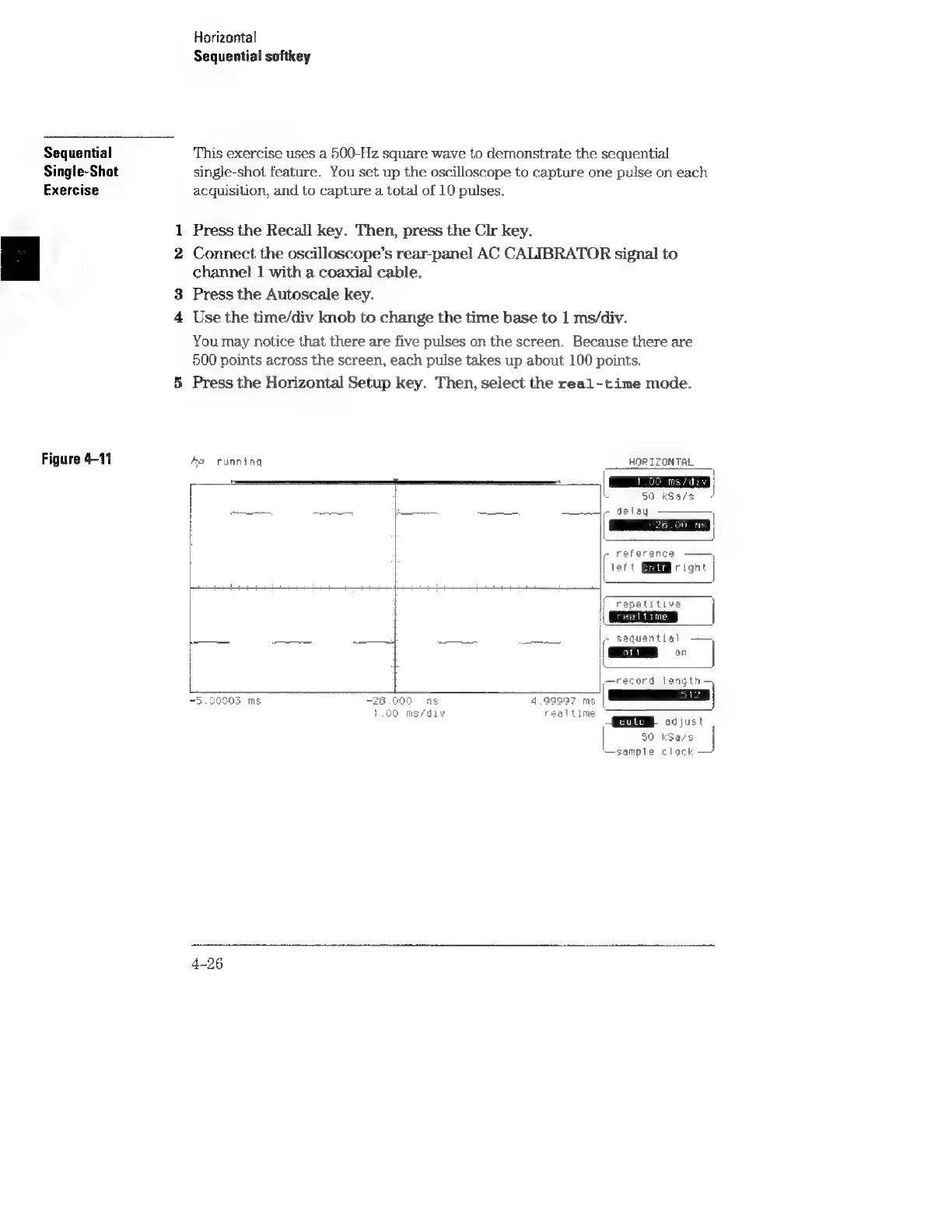
Figure
4-11
oo
Horizontal
Sequential
softkey
This
exercise
uses
a
500-Hz
square
wave
to
demonstrate
the
sequential
single-shot
feature.
You
set
up
the
oscilloscope
to
capture
one
pulse
on
each
acquisition,
and
to
capture
a
total
of
10
pulses.
Press
the
Recall
key.
Then,
press
the
Clr
key.
Connect
the
oscilloscope’s
rear-panel
AC
CALIBRATOR
signal
to
channel!
1
with
a
coaxial
cable.
Press
the
Autoscale
key.
Use
the
time/div
knob
to
change
the
time
base
to
1
ms/div.
You
may
notice
that
there
are
five
pulses
on
the
screen.
Because
there
are
500
points
across
the
screen,
each
pulse
takes
up
about
100
points.
Press
the
Horizontal
Setup
key.
Then,
select
the
real-time
mode.
fe
running
-
reference
lett
SMM
right
pS
1
repetitive
||
Es
~
sequential
—~
~
=
7
cord
length—
AE.
cust
50
k3a/s
sample
clock
“5.00003
ms
4-26