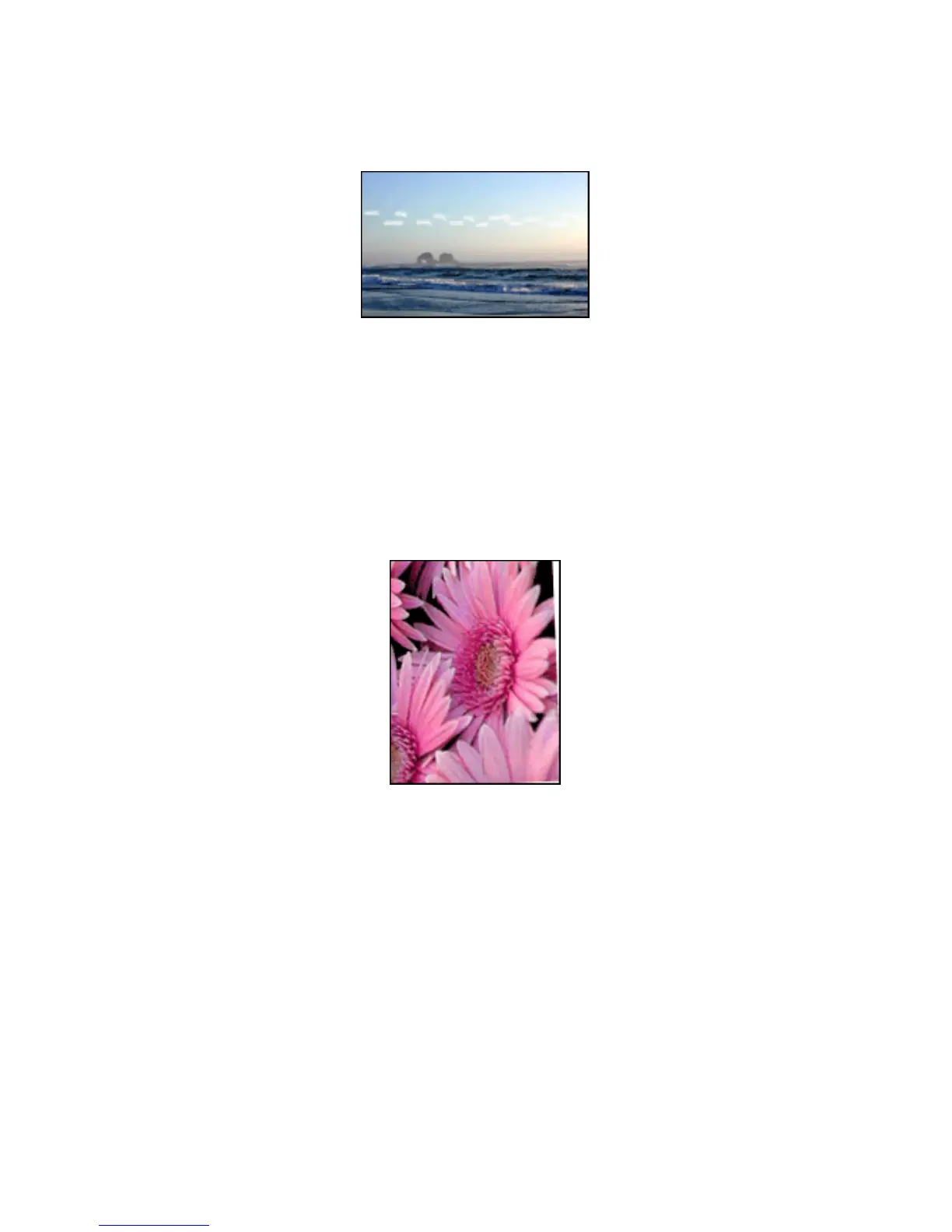
Streaks appear in a light portion of a photo
If streaks appear in a light portion approximately 64 mm (2.5 inches) from one of
the long edges of a photograph, try the following:
• Install a photo print cartridge in the printer.
• Rotate the image 180 degrees.
Use the What's This? help to learn about the features that you see in the Printer
Properties dialog box.
Image is printed at an angle
Follow these steps if the image is printed at an angle:
1. Remove all paper from the In tray.
2. Load the photo paper correctly in the In tray.
3. Verify that the paper guides fit firmly against the media.
HP Deskjet 6600 series printer
131


 To Next Page
 Loading...
