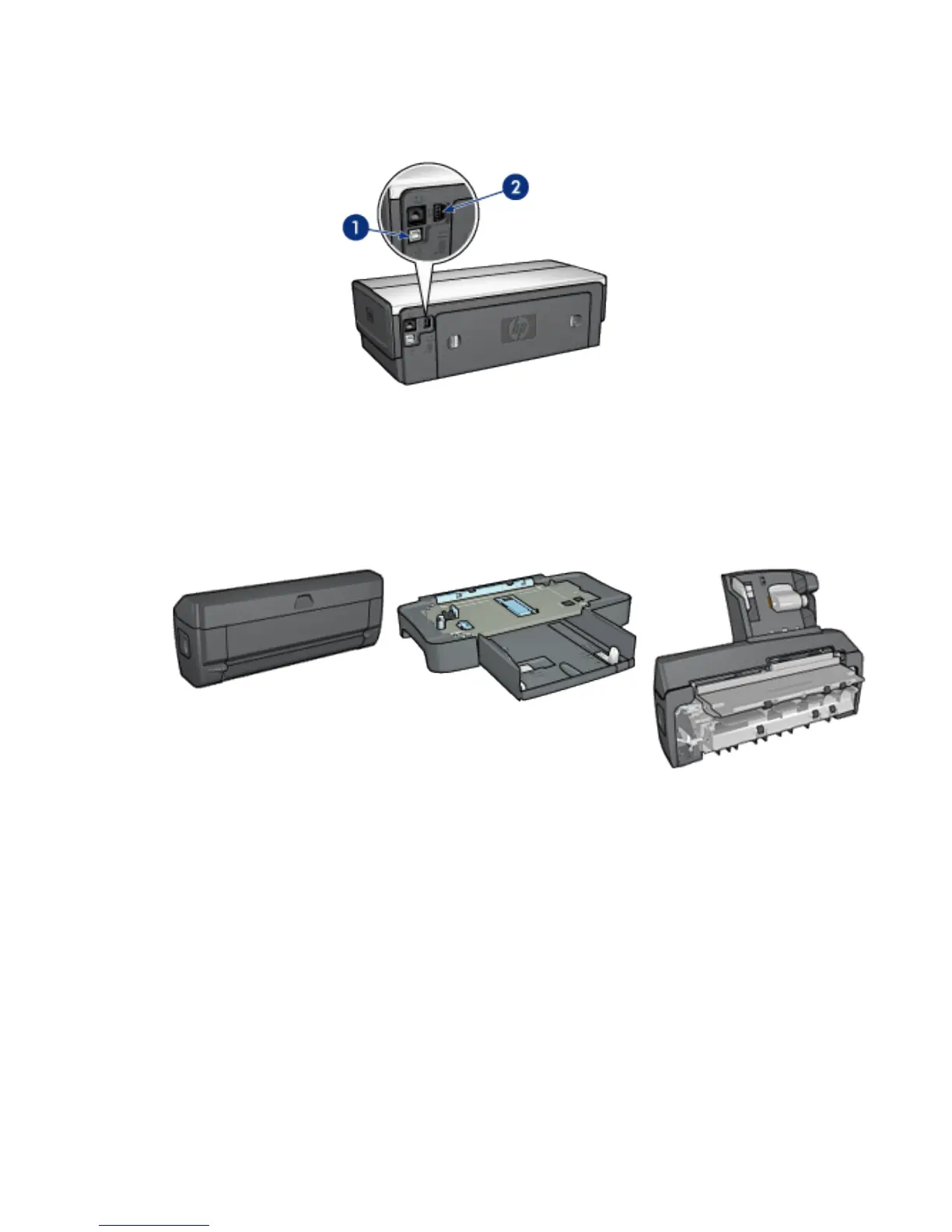
1. Rear USB port
2. Wired Ethernet port
Optional accessories
Automatic Two-Sided
Printing Accessory (optional)
250-Sheet Plain Paper Tray
Accessory (optional)
Auto Two-Sided Print
Accessory with Small Paper
Tray (optional)
3.2 Buttons and lights
Use the printer buttons to turn the printer on and off, cancel a print job, and restart
a job. The printer lights give you visual cues about the status of the printer.
HP Deskjet 6600 series printer
5


 To Next Page
 Loading...
