13
Setting up the Date and Time (Continued)
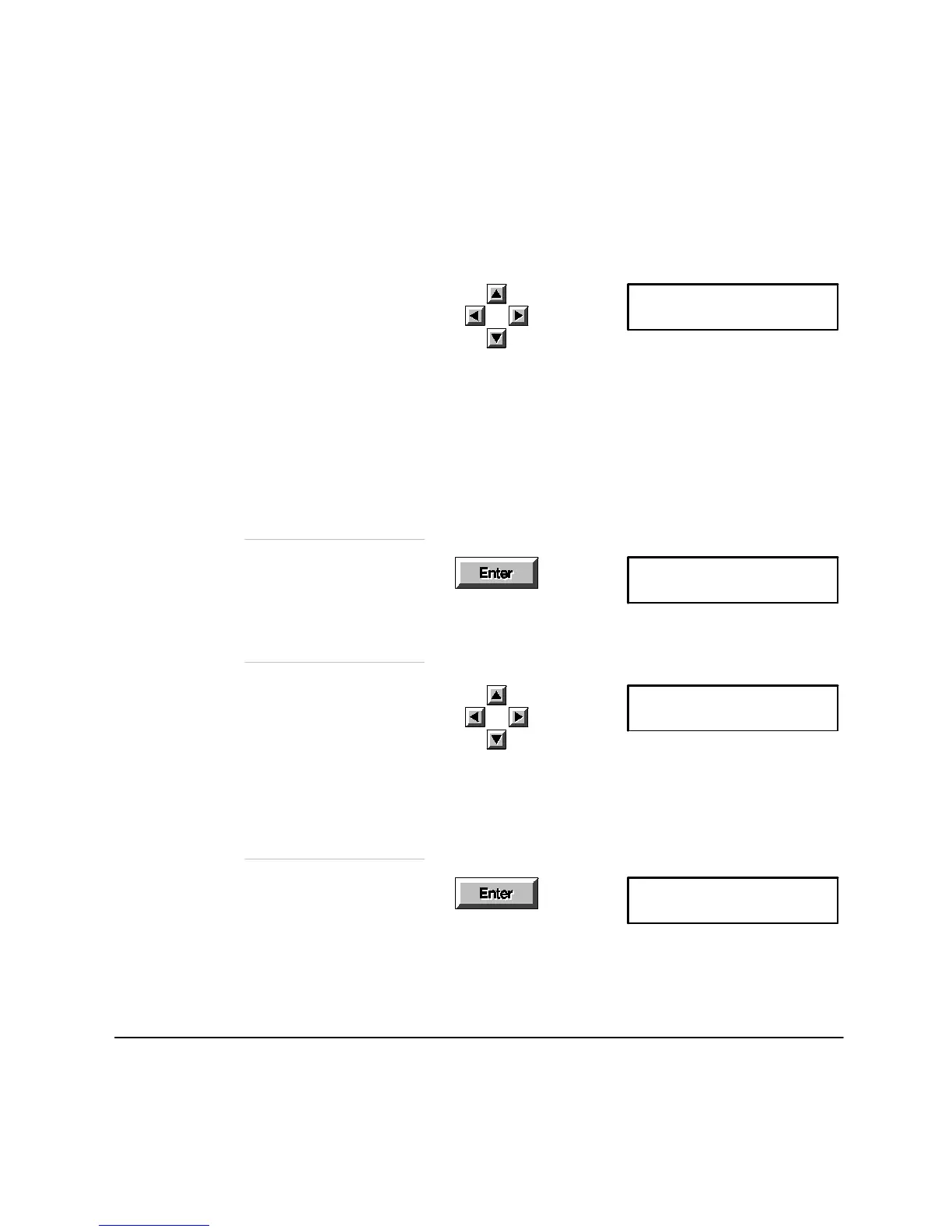
Save the Date
Press
Enter
. Note that the
display has changed.
Date (MM/DD/YYYY)
[Oct]10/20/1994
Press the
up
and
down
arrows
. When the month you
want is displayed, press the
right arrow to move to day.
Browse to the day you want,
then press the right arrow to
move to year. Browse to the
new year. If you make a
mistake, use the left and right
arrows to move to the mistake,
then the
up
and
down
arrows
to browse again.
Time (HH:MM)
24Hr Clk[02:15]14:15
Press the arrow keys to
browse to the hour and
minute you want. Your fax
uses a 24-hr clock. When
you browse past 12:00, the
time is shown in 12-hr format
between the brackets.
Time (HH:MM)
24Hr Clk[08:00]08:00
Settings (1-18)
01:Date & Time
Save the new Time
Press
Enter
,thenpress
Stop
to leave the menus.












 To Next Page