EasyManua.ls Logo

HP 700 - Setting the Dialing Method

HP 700
92 pages
Print Icon
To Next Page IconTo Next Page
To Previous Page IconTo Previous Page
Loading...
16
`
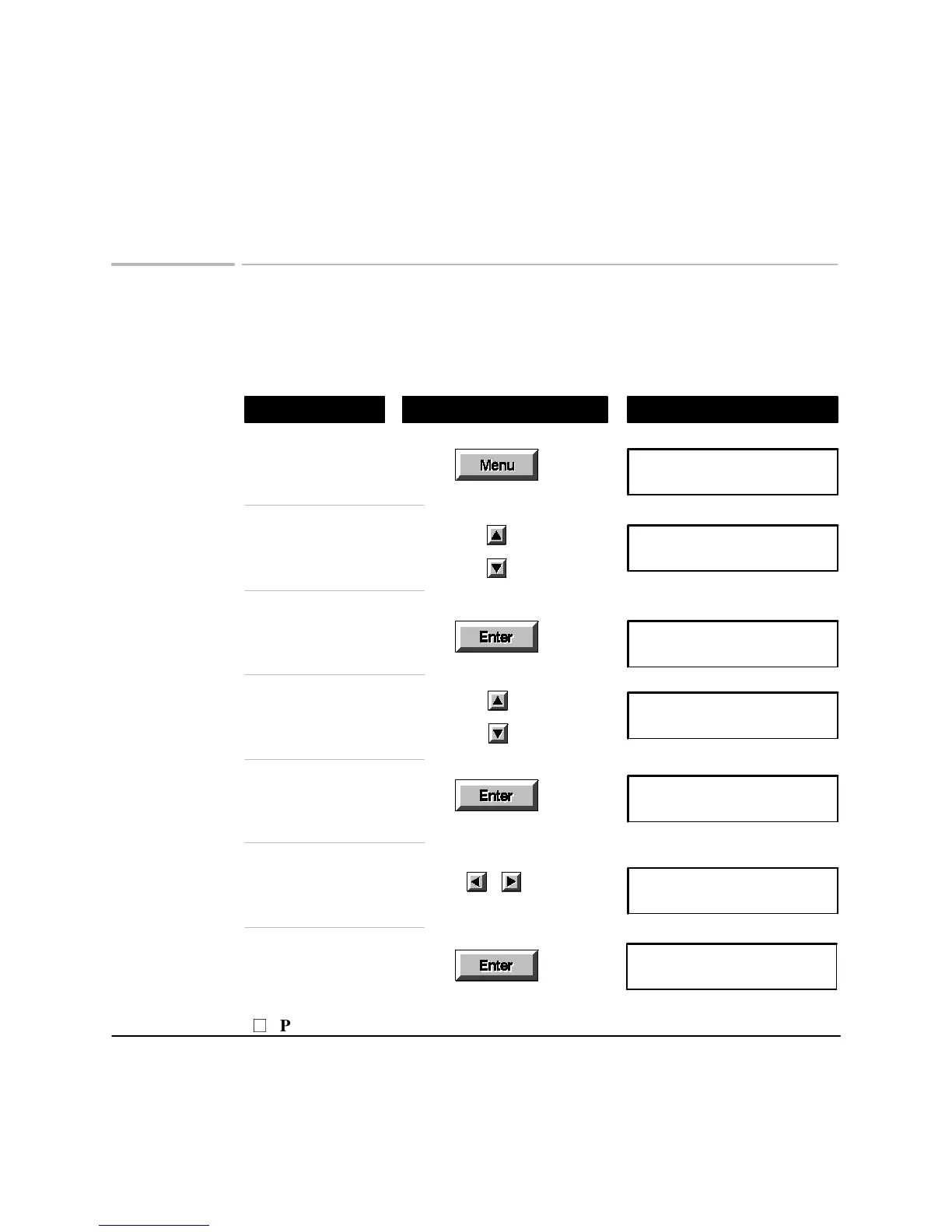
Setting the dialing method
The factory default dialing method is Tone, or touch dialing. If your telephone
system uses a Pulse, or rotary dialing method, follow these instructions to select
Pulse.
Using These Buttons
Do This
To Display
Display the Menu
Menu Options (1-8)
1:Scan & Send
Browse to 6: Settings
Menu Options (1-8)
6:Settings
Settings (1-18)
01:Date & Time
Choose Settings
Settings (1-18)
06:Dialing Method
Browse to
06: Dialing Method
Select Pulse or Tone
Dialing Method
Pulse/Tone*
Choose
06: Dialing Method
Dialing Method
Pulse/Tone*
Save the new
Dialing Method
Settings (1-18)
06:Dialing Method
P
Press Stop to leave the menus

Related product manuals