33
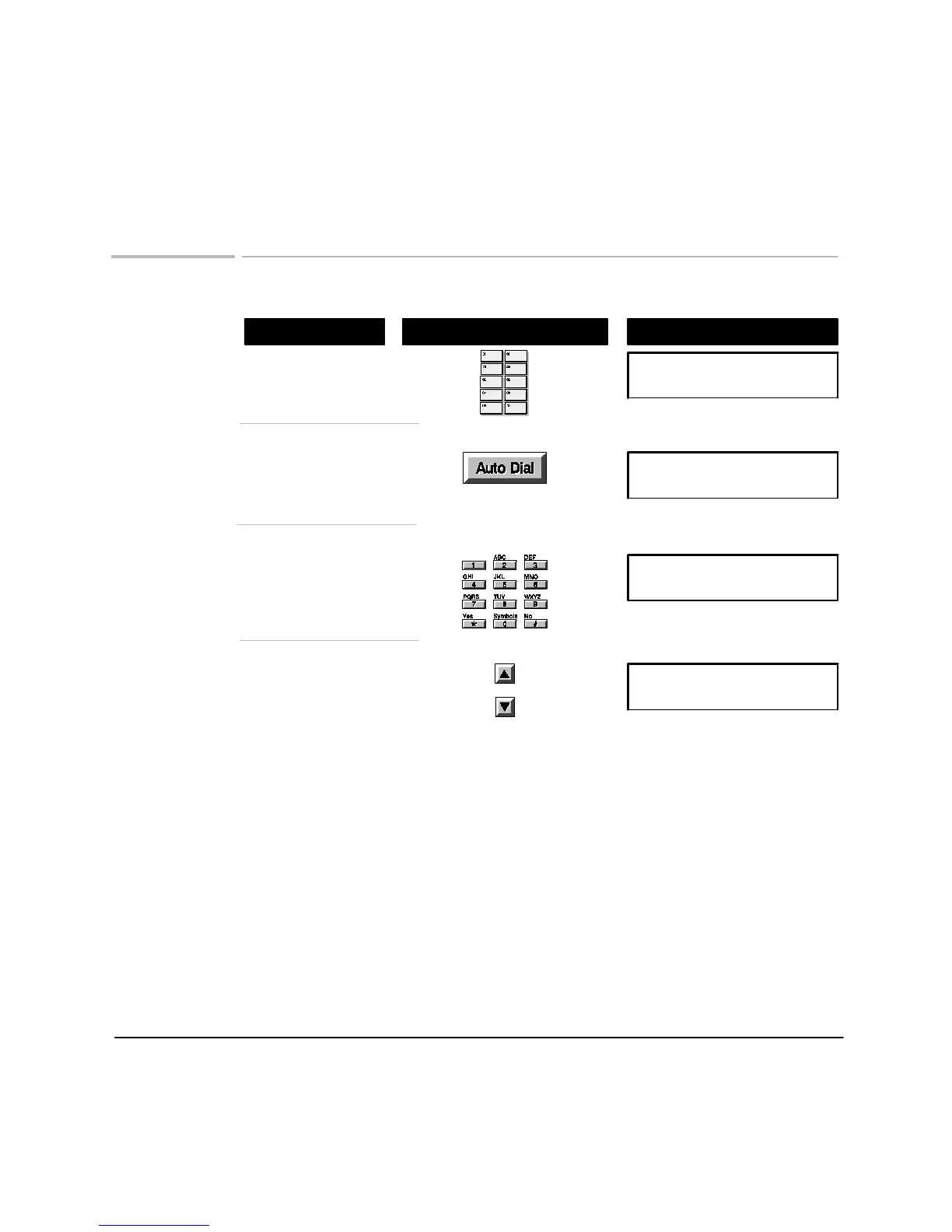
Dialing with One-Touch and Auto Dial
Using These Buttons
Do This
To Display
Auto Dial (01-50)
[01]:Name:Number
Browse to a different
number if you wish,
in both One-Touch and
Auto Dial
Enter the Auto Dial code
assigned to the number to
dial
To dial One-Touch numbers:
Press the One-Touch key
assigned to the number to dial
To dial Auto Dial numbers:
Press
Auto Dial
to access
stored numbers
Auto Dial (01-50)
[01]:Name:Number
Auto Dial (01-50)
[01]:Name:Number
Auto Dial (01-50)
[01]:Name:Number
When the name and number exceed the display area, arrows appear in the display.
Use the arrow buttons to see the complete entry
.
Topics of Interest
Storing Auto Dial numbers, 30
Storing Group Lists of Auto Dial numbers, 31
Print a list of Auto Dial and One-Touch numbers, 47












 To Next Page