EasyManua.ls Logo

HP 700 - Page 47

HP 700
92 pages
Print Icon
To Next Page IconTo Next Page
To Previous Page IconTo Previous Page
Loading...
42
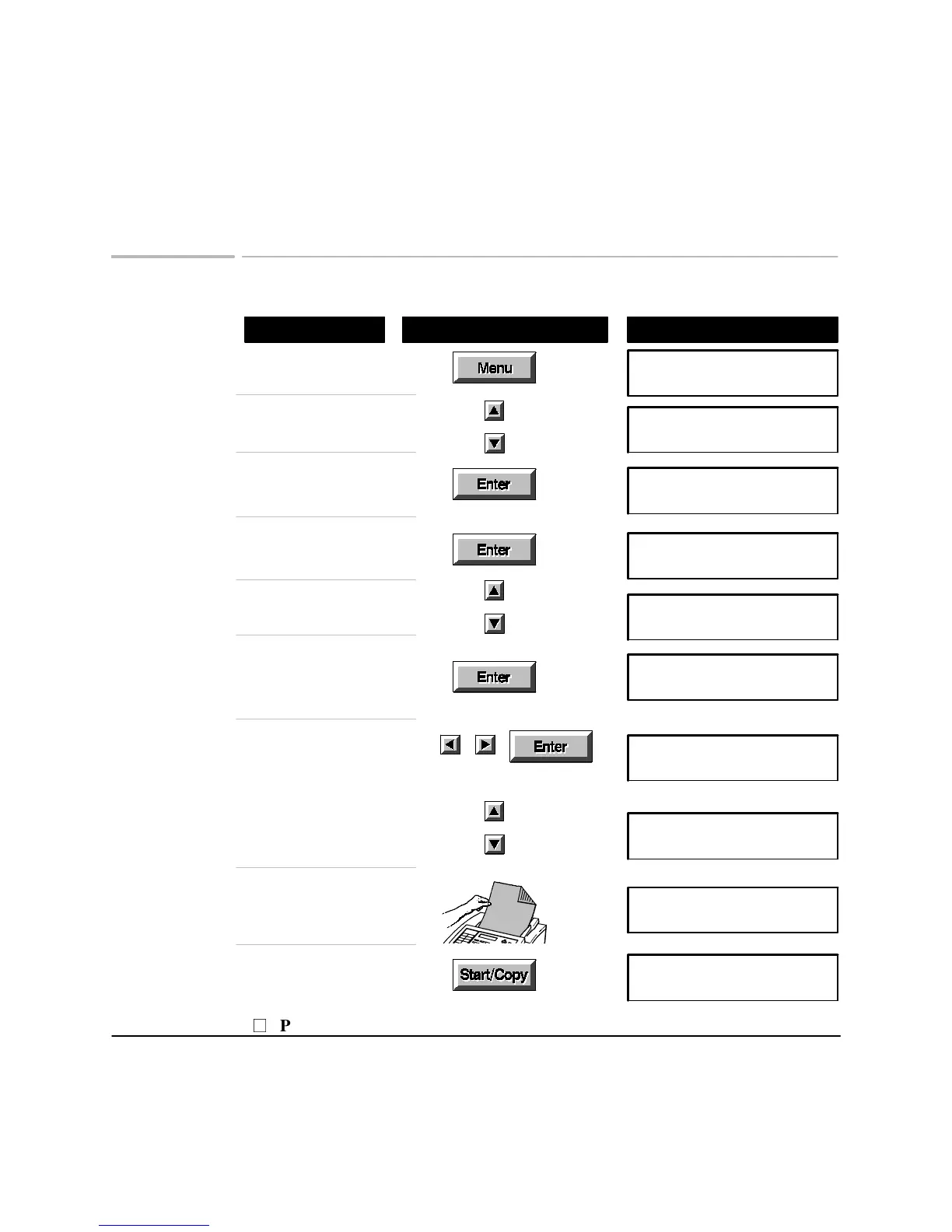
Allowing another to poll your fax machine
Using These Buttons
Do This
To Display
Display the Menu
Menu Options (1-9)
1:Scan & Send
Browse to
8: Polling
Menu Options (1-9)
8:Polling
Choose
8: Polling
Polling (1-2)
1:Being Polled
Choose
1: Being Polled
Being Polled (1-3)
1:Off
Browse to
2: One Time Only
Being Polled (1-3)
2:One Time Only
Choose 2: One Time Only
if you want the fax sent
just once
Send from
Memory/in tray
Choose to store the fax,
or leave it in the in tray
Send from
Memory/in tray
OR
Browse to 3: Until Turned Off
if you want the fax sent more
than once
Being Polled (1-3)
3:Until Turned Off
Load the document,
face down
Document ready
Press
Start/Copy
Storing document
P
Press Stop to cancel

Related product manuals