379
Chapter 7, IBASIC Controller
The IBASIC Controller Screen
The IBASIC Controller Screen
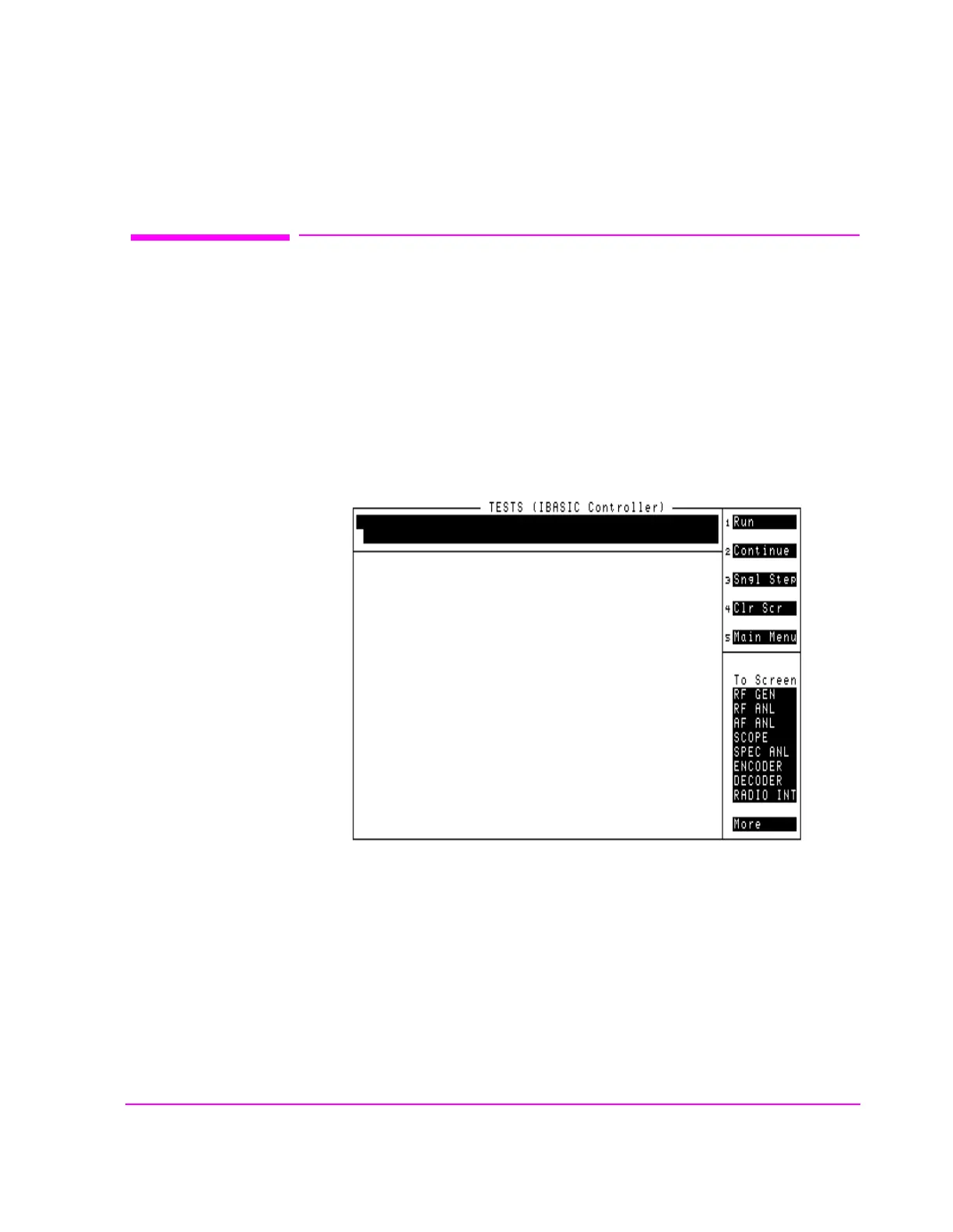
The Test Set has a dedicated screen for interfacing with the built-in IBASIC
controller. This is the TESTS (IBASIC Controller) screen as shown in figure 23 .
This screen is accessed as follows:
• Select the front panel TESTS key. The TESTS (Main Menu) screen will be displayed.
• Using the rotary knob, position the cursor on the IBASIC field in the lower center of
the screen.
• Push the rotary knob and the TESTS (IBASIC Controller) screen will be displayed.
Figure 23 The IBASIC Screen
ch6drw1.drw



 To Next Page