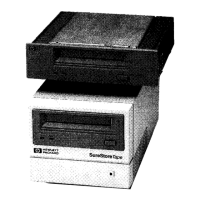
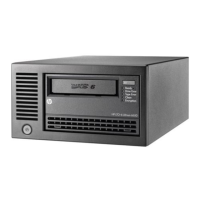
Installing an External Drive
What Next?
2-12
What Next?
For Windows systems, if the tape drive has passed the tests run by
HP TapeAssure, you can be confident that you have installed it correctly.
You are now ready to put it to regular use backing up your system. See your
backup application’s documentation for instructions on how to back up and
restore data.
Chapter 3 provides details of how to operate your drive. Make sure you
read Chapter 4 regarding the care of the drive and cartridges.
dlt.book Page 12 Monday, February 12, 2001 5:42 PM


 To Next Page
 Loading...