©2015 Recycler Publishing & Events Ltd THE RECYCLER - TECHNICAL GUIDE PAGE 5
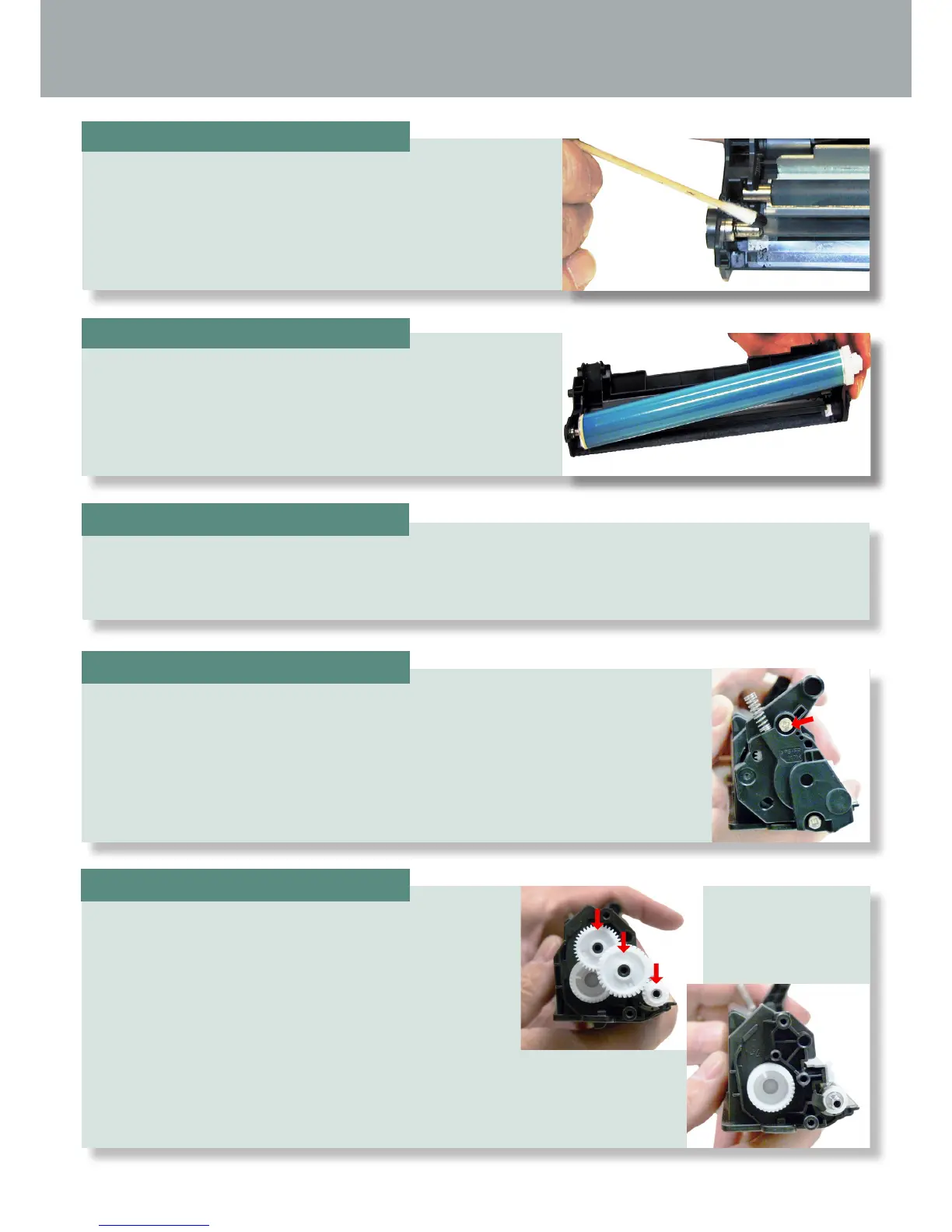
On the toner supply chamber right side, remove the two screws and end cap.
Remove the gears from the hopper as shown; leave
the large auger gear in place.
Place the waste/drum section aside.
Place another small amount of conductive grease on to the
metal drum axle.
Install the new/cleaned drum hub side rst.
STEP TEN
STEP ELEVEN
STEP THIRTEEN
STEP FOURTEEN
STEP TWELVE







 To Next Page