©2015 Recycler Publishing & Events Ltd THE RECYCLER - TECHNICAL GUIDE PAGE 6
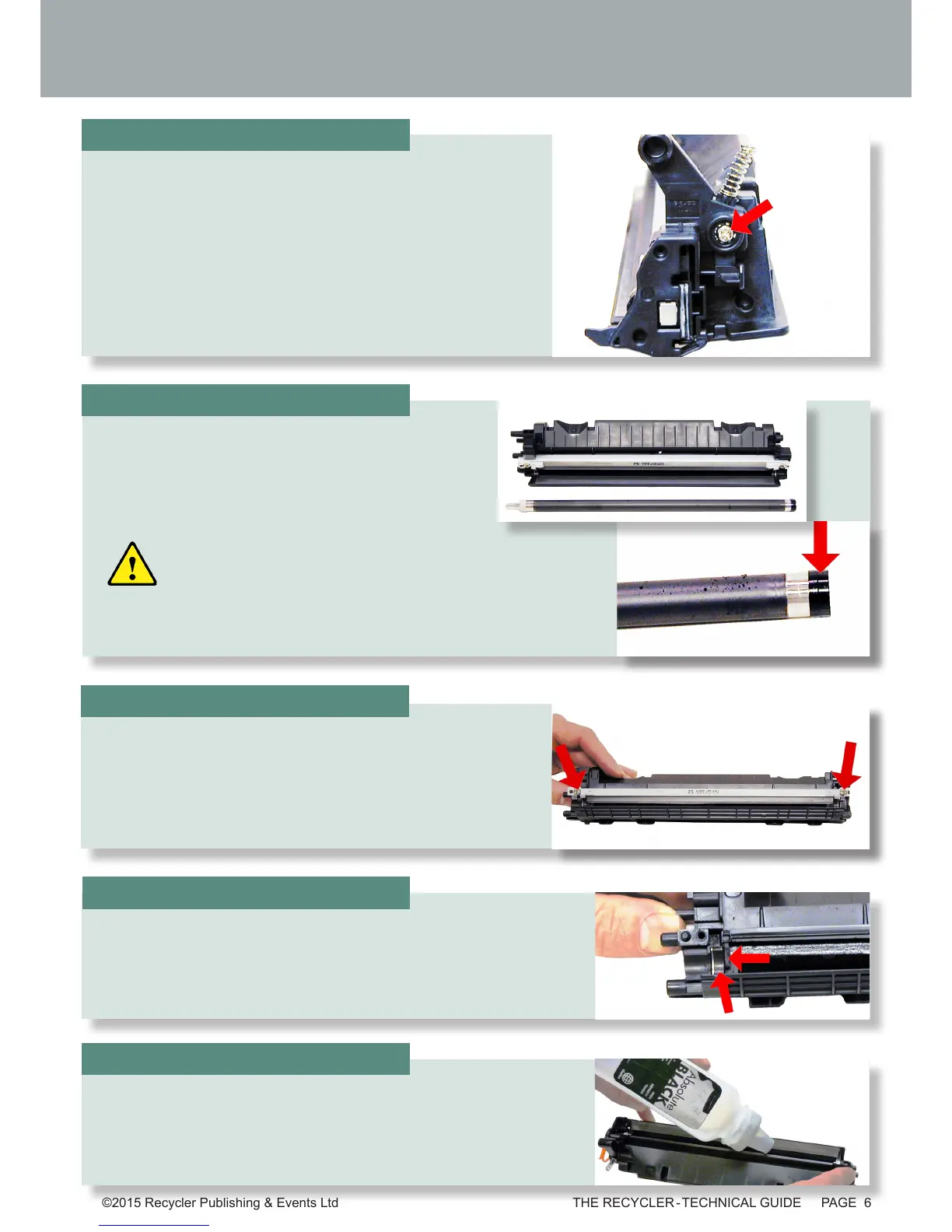
Remove the doctor blade and two screws.
Remove the single screw and end from the opposite side.
Remove the magnetic roller assembly.
Be careful of the bushings! They are very fragile.
STEP SEVENTEEN
STEP FIFTEEN
STEP SIXTEEN
Clean out all the remaining toner from the hopper. Make
sure the magnetic roller seals and the doctor blade seals
are all clean.
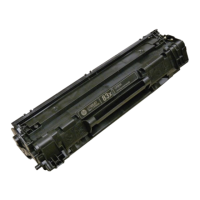
Fill the hopper with toner for use in the CF283X cartridge.
STEP EIGHTEEN
STEP NINETEEN







 To Next Page