Monitoring
Monitoring
3-6
3Monitoring
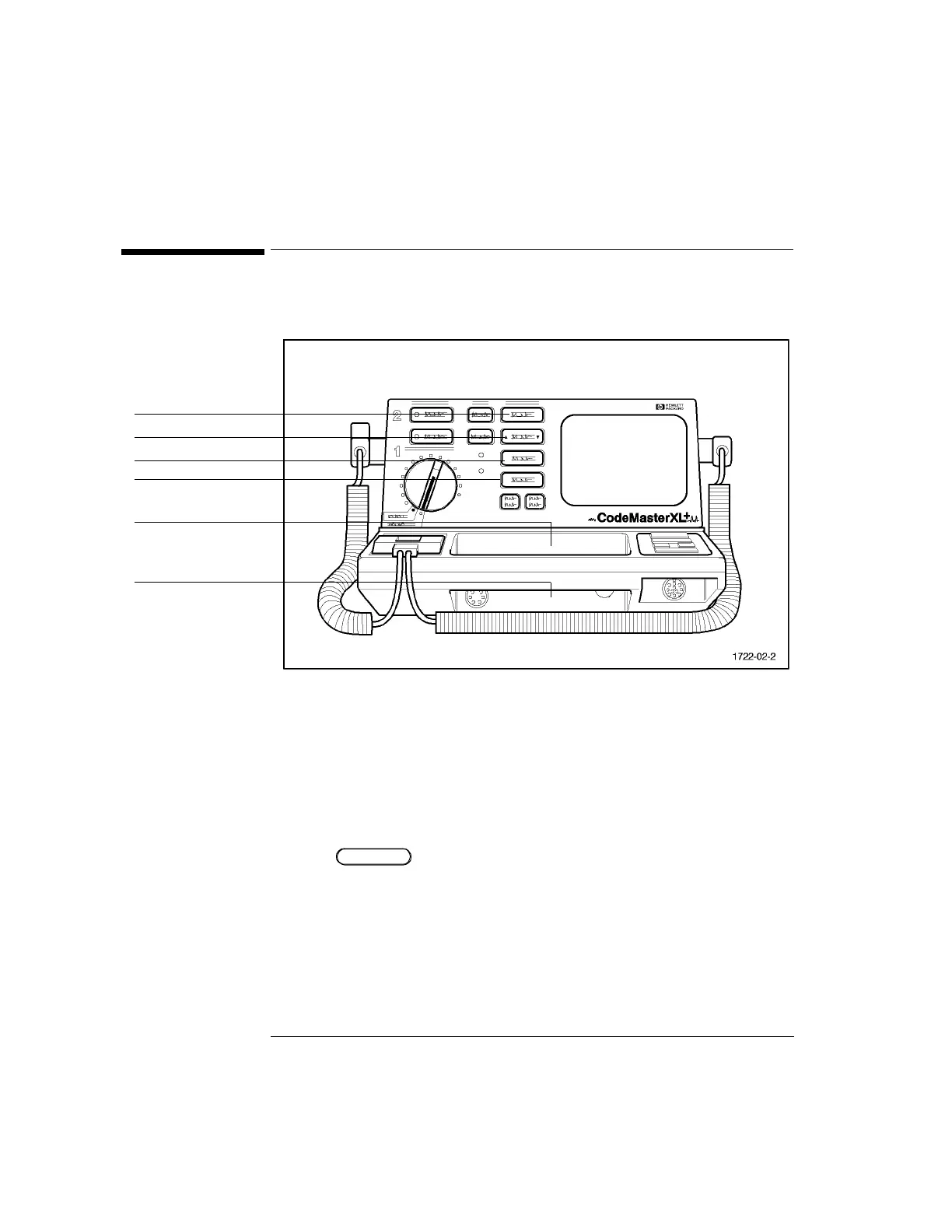
Figure 3-1
The Monitor Control Panel
To monitor a patient's ECG with the CodeMaster XL+, perform the following steps.
1 Prepare the patient for ECG monitoring.
2 Turn the Energy Select control to the Monitor On position.
3 Press to select the ECG source. The selected source appears in the
upper right corner of the display. For example, PADS appears on the display
when it has been selected.
m If the message LEADS OFF or PADS OFF appears on the display, inspect the
electrodes, patient cable, leadwires, and associated connections. If the selected
ECG source is not connected, a dashed line will replace the normal ECG trace.
Lead Select button
ECG Size button
HR Alarm button
Review button
QRS Beeper Volume
ECG Output



 To Next Page