Installation and Setup
Setup
A-7
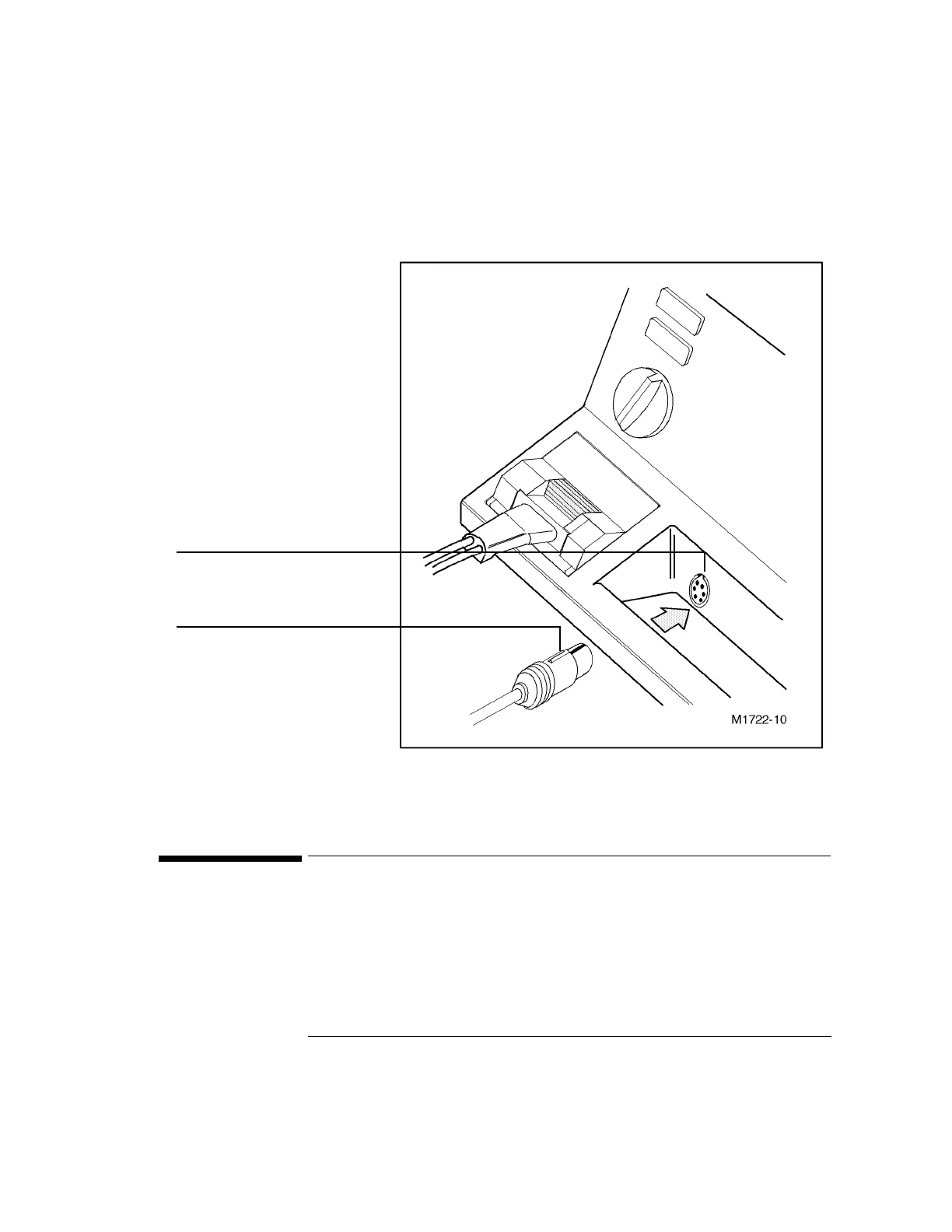
Figure 1-3
Connecting a Patient Cable
1Setup
To configure the CodeMaster XL+ you must use the setup menus. Table 1-1, “Setup
Menu 1 Settings,” on page A-9 and Table 1-2, “Setup Menu 2 Settings,” on page A-
10 list the choices you can make on the setup menus. Perform the following steps to
configure the CodeMaster XL+.
ECG Input connector with key slot
Keyed plug of patient cable



 To Next Page