1 Using the modem (select models only)
The modem must be connected to an analog telephone line using a 6-pin, RJ-11 modem cable. In some
countries, a country-specific modem cable adapter is also required. Jacks for digital PBX systems may
resemble analog telephone jacks, but they are not compatible with the modem.
WARNING! Connecting the internal analog modem to a digital line can permanently damage
the modem. Immediately disconnect the modem cable if you accidentally connect it to a digital
line.
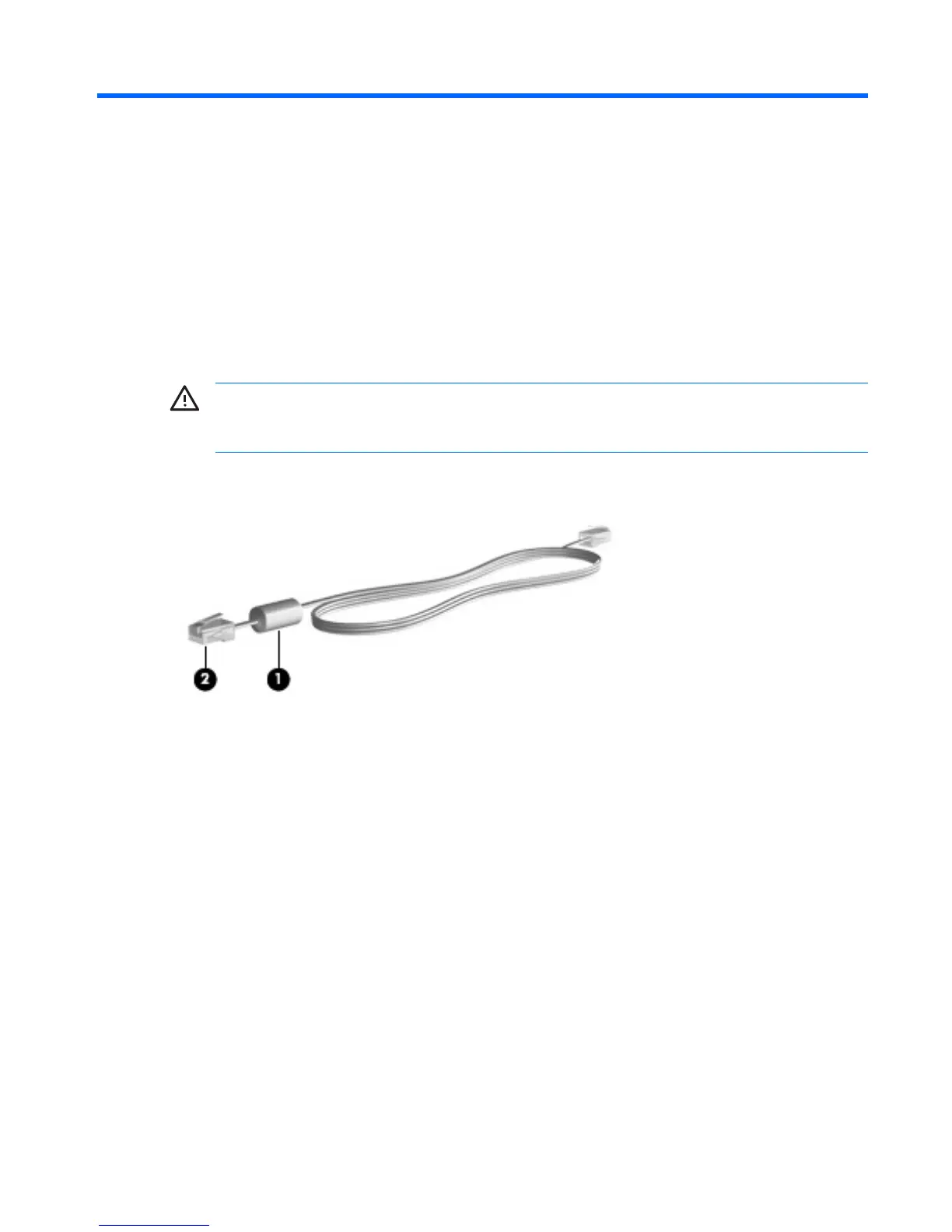
If the modem cable contains noise suppression circuitry (1), which prevents interference from TV and
radio reception, orient the circuitry end (2) of the cable toward the computer.
ENWW 1



 To Next Page
 Loading...