17
Beyond the Basics
2
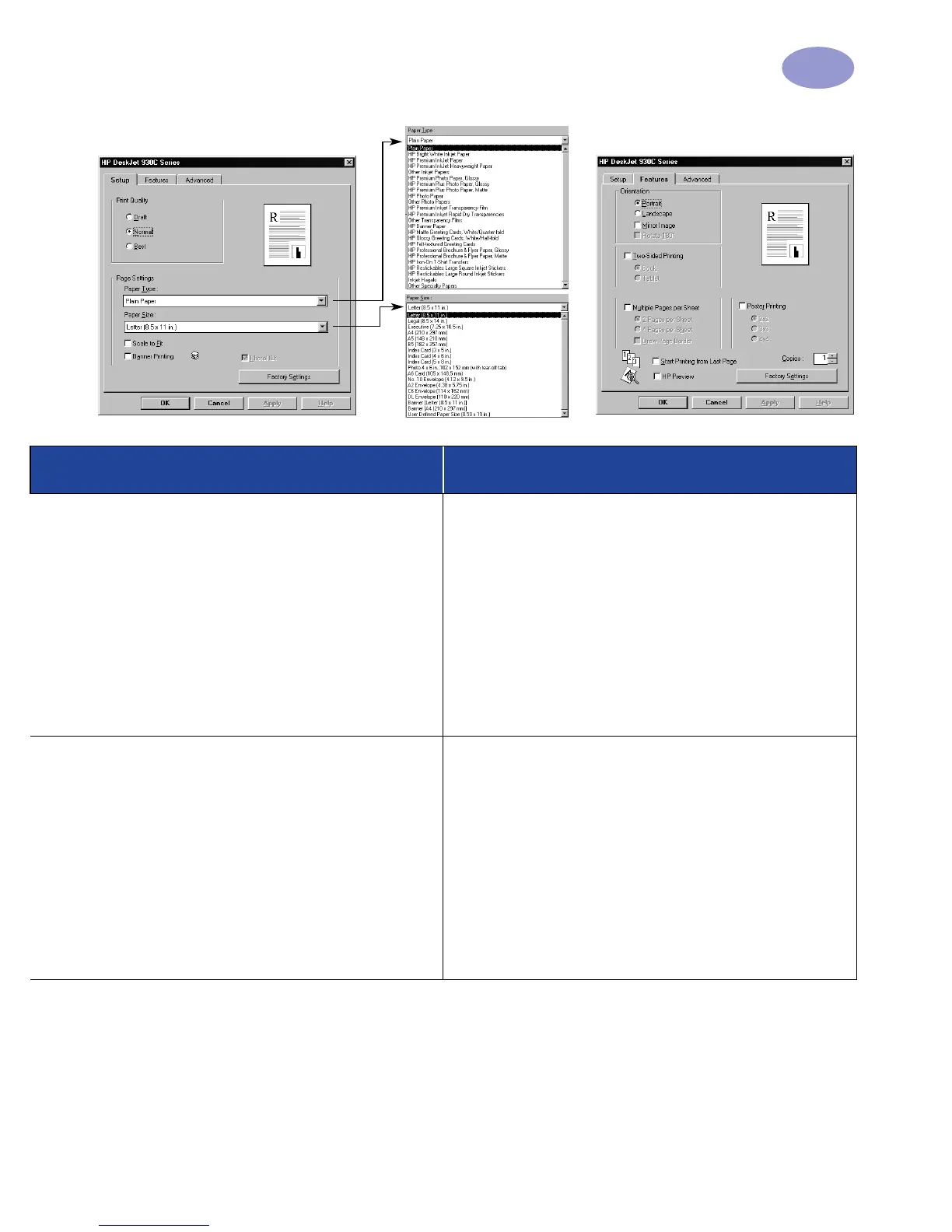
Setup Tab Features Tab
HP print settings to choose Guidelines to remember
Setup Tab
- Paper Type: Choose HP Iron-On T-Shirt
Transfers
- Print Quality: Choose Normal or Best
- Paper Size: Choose appropriate size
Features Tab
- Orientation: Choose Mirror Image
- Two-Sided Printing: Unchecked
• When you print a mirror-imaged document, the text
and pictures are flipped horizontally from what you
see on your computer screen.
• For best results, use HP Iron-On T-Shirt Transfers.
Setup Tab
- Paper Type: Choose Plain Paper
- Print Quality: Choose Normal
- Paper Size: Choose appropriate size
Features Tab
- Orientation: Choose appropriate orientation
- Two-Sided Printing: Unchecked
- Poster Printing: Check this box and choose size
2x2, 3x3, or 4x4
• After printing, trim the edges on each sheet and tape
the sheets together.


 To Next Page
 Loading...