!
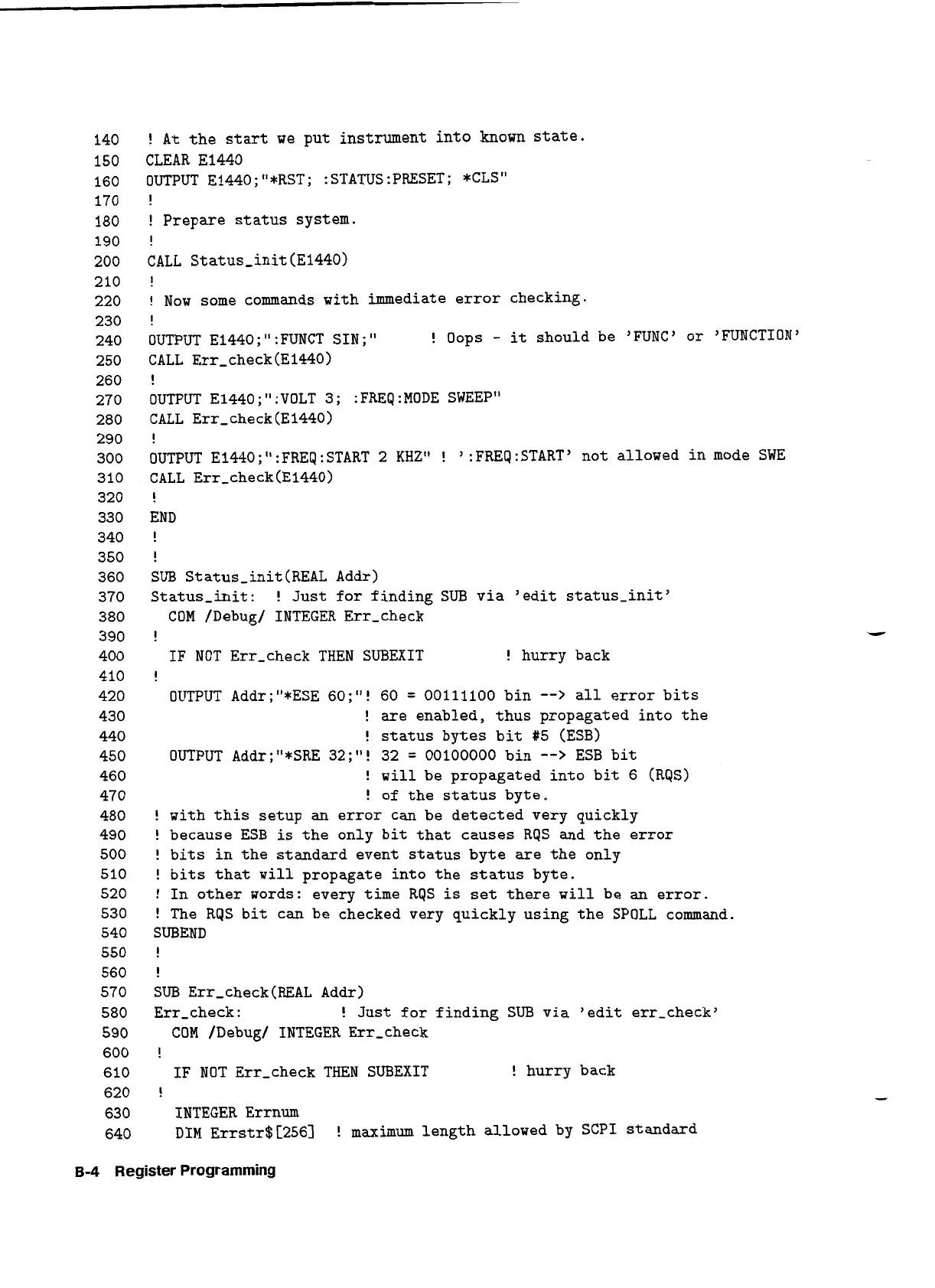
At
the start we put instrument into known state.
CLEAR El440
OUTPUT Ei440;"*RST; :STATUS:PRESET; *CLS"
!
!
Prepare status system.
!
CALL
Status-init (E1440)
!
!
Now some commands with immediate error checking.
!
OUTPUT El440
;
It
:
FUNCT SIN
;
It
!
Oops
-
it
should be 'FUNC' or 'FUNCTION'
CALL
Err-check(El440)
!
OUTPUT El440;":VOLT 3; :FREQ:MODE SWEEP"
CALL
Err-check (El44O)
!
OUTPUT E1440;":FREQ:START
2
KHz"
!
':FREQ:START' not allowed in mode SWE
CALL
Err-check(E1440)
!
END
!
!
SUB Status-init(REAL Addr)
Status-init:
!
Just for finding SUB via 'edit status-init'
COM
/Debug/ INTEGER Err-check
!
IF
NOT Err-check THEN SUBEXIT
!
hurry back
!
OUTPUT Addr;"*ESE 60;"! 60
=
00111100 bin
-->
all error bits
!
are enabled, thus propagated into the
!
status bytes bit #5 (ESB)
OUTPUT Addr;"*SRE 32;It! 32
=
00100000 bin
-->
ESB bit
!
will
be propagated into bit 6 (RQS)
!
of the status byte.
!
with this setup an error can be detected very quickly
!
because ESB
is
the only bit that causes RqS and the error
!
bits in the standard event status byte are the only
!
bits that
will
propagate into the status byte.
!
In other words: every time RQS
is
set there
will
be an error.
!
The RQS bit can be checked very quickly using the SPOLL command.
SUBEND
!
!
SUB Err-check(REAL Addr)
Err-check:
!
Just for finding SUB via 'edit err-check'
COM
/Debug/ INTEGER Err-check
!
IF NOT Err-check THEN SUBEXIT
!
hurry back
!
INTEGER Errnum
DIM
~rrstr$[256]
!
maximum length allowed by SCPI standard
B-4
Register Programming
Artisan Technology Group - Quality Instrumentation ... Guaranteed | (888) 88-SOURCE | www.artisantg.com


 To Next Page