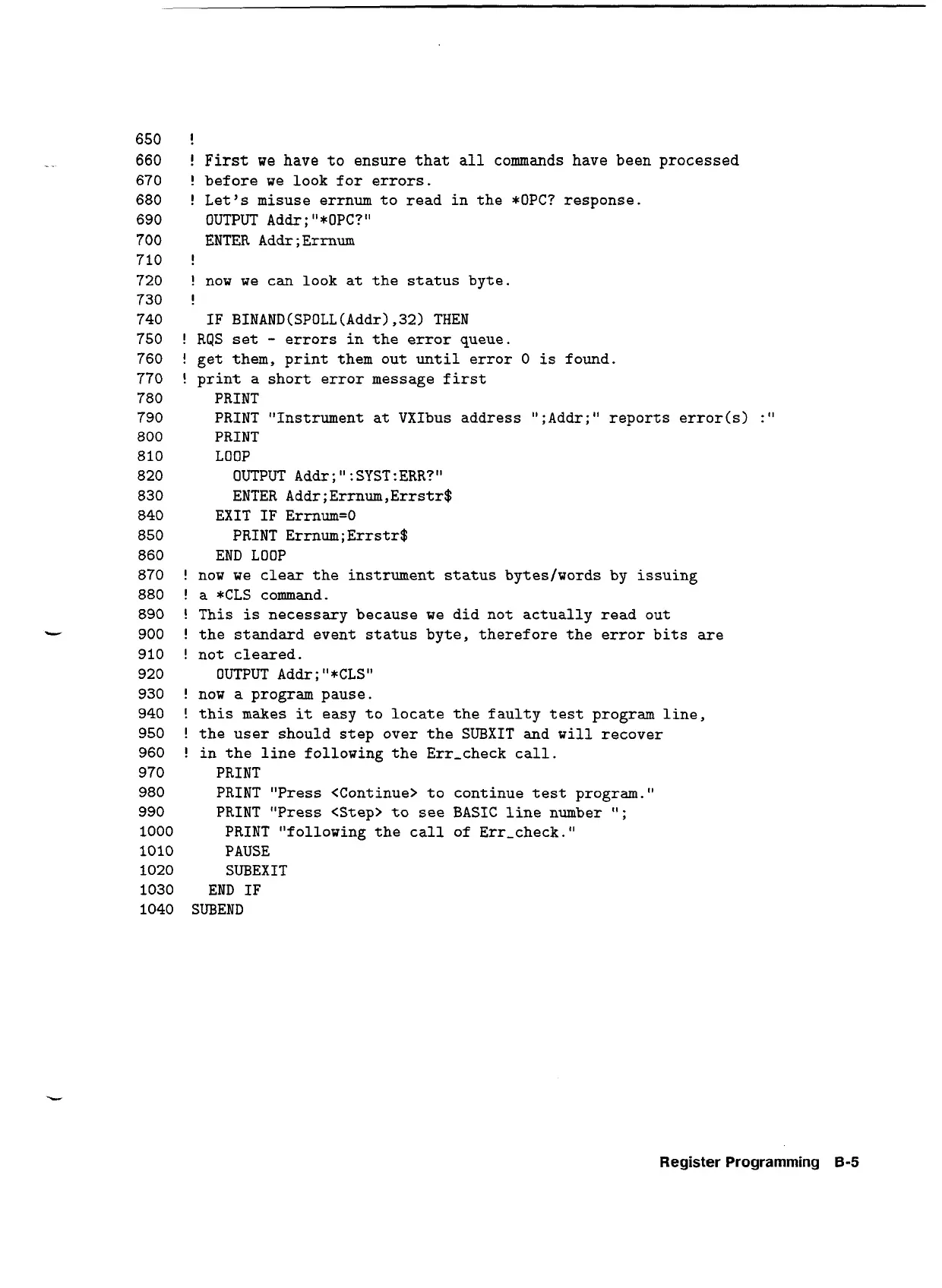
650
!
-
.
660
!
First
we have to ensure that all commands have been processed
670
!
before we look for errors.
680
!
Let's misuse errnum to read in the *OPC? response.
690
OUTPUT Addr
;
"*OPC?"
700
ENTER Addr;Ermum
710
!
720
!
now we can look at the status byte.
730
!
740
IF BINAND (SPOLL (Addr)
,321
THEN
750
!
RQS set
-
errors in the error queue.
760
!
get them, print them out until error
0
is found.
770
!
print
a
short error message first
780
PRINT
790
PRINT "Instrument at VXIbus address ";Addr;" reports error(s1
:"
800
PRINT
810
LOOP
820
OUTPUT Addr
;
:
SYST :ERR?"
830
ENTER Addr;Errnum,Errstr$
840
EXIT IF Ermum=O
850
PRINT Ermum;Errstr$
860
END LOOP
870
!
now we clear the instrument status byteslwords
by
issuing
880
!
a *CLS command.
890
!
This is necessary because we did not actually read out
-
900
!
the standard event status byte, therefore the error bits are
910
!
not cleared.
920
OUTPUT Addr
;
"*CLS1'
930
!
now a program pause.
940
!
this makes it easy to locate the faulty test program line,
950
!
the user should step over the SUBXIT and will recover
960
!
in the line following the Err-check call.
970
PRINT
980
PRINT "Press <Continue> to continue test program."
990
PRINT "Press <Step> to see BASIC line number
It;
1000
PRINT "following the call of Err-check.
1010
PAUSE
1020
SUBEXIT
1030
END IF
1040
SUBEND
Register
Programming
8-5
Artisan Technology Group - Quality Instrumentation ... Guaranteed | (888) 88-SOURCE | www.artisantg.com


 To Next Page