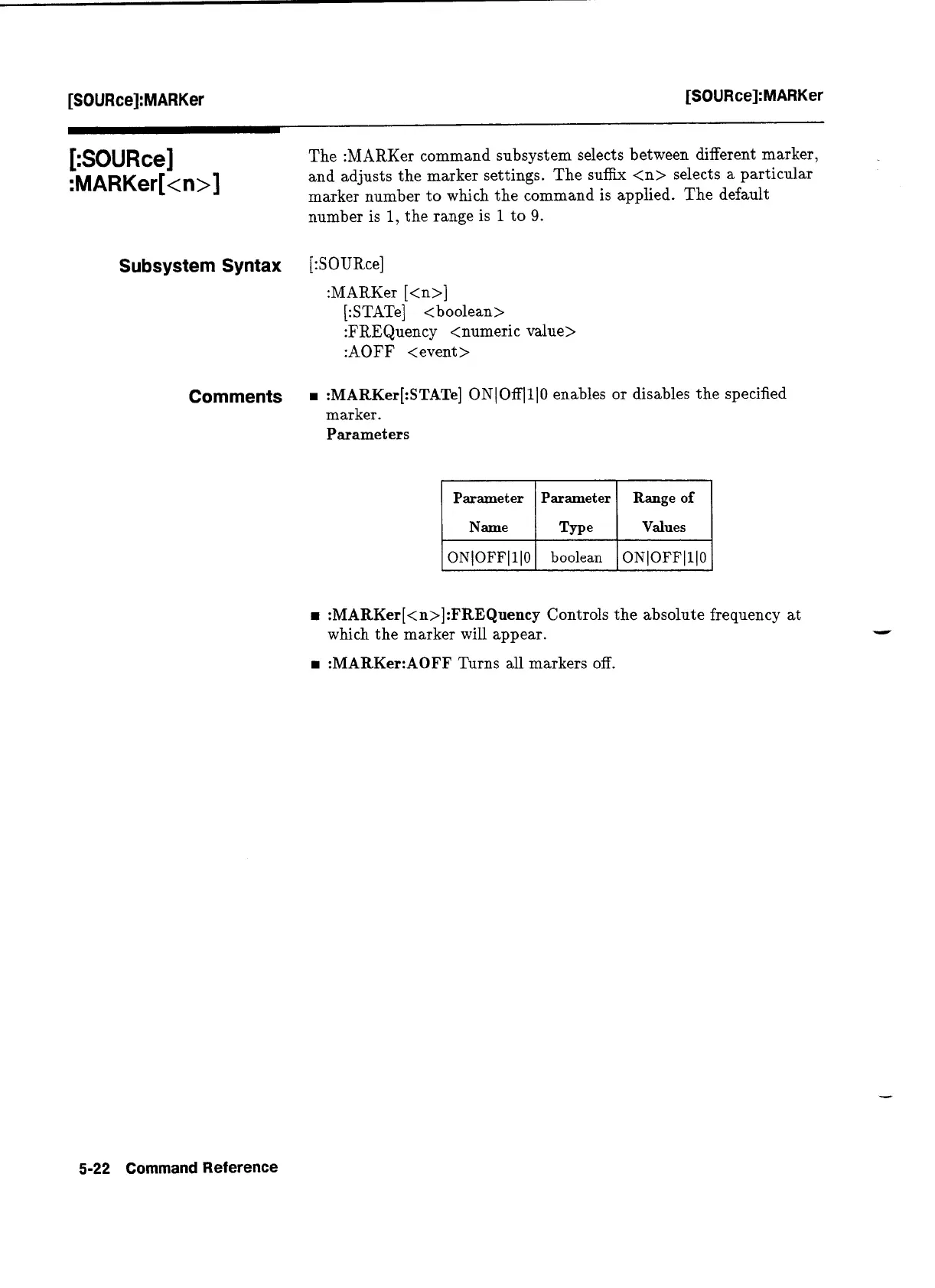
The :MARKer command subsystem selects between different marker,
and adjusts the marker settings. The suffix
<n>
selects a particular
marker number to which the command is applied. The default
number is
1,
the range is
1
to
9.
Subsystem Syntax
Comments
:MARKer[:STATe]
ON1 OfflllO
enables or disables the specified
marker.
Parameters
Parameter Parameter Range
of
1
Name
I
Type
1
Values
1
rn
:MARKer[<n>]:FREQuency
Controls the absolute frequency at
which the marker will appear.
:MARKer:AOFF
Turns all markers off.
ONlOFFlllO
5-22
Command
Reference
boolean
ONlOFFlllO
Artisan Technology Group - Quality Instrumentation ... Guaranteed | (888) 88-SOURCE | www.artisantg.com


 To Next Page