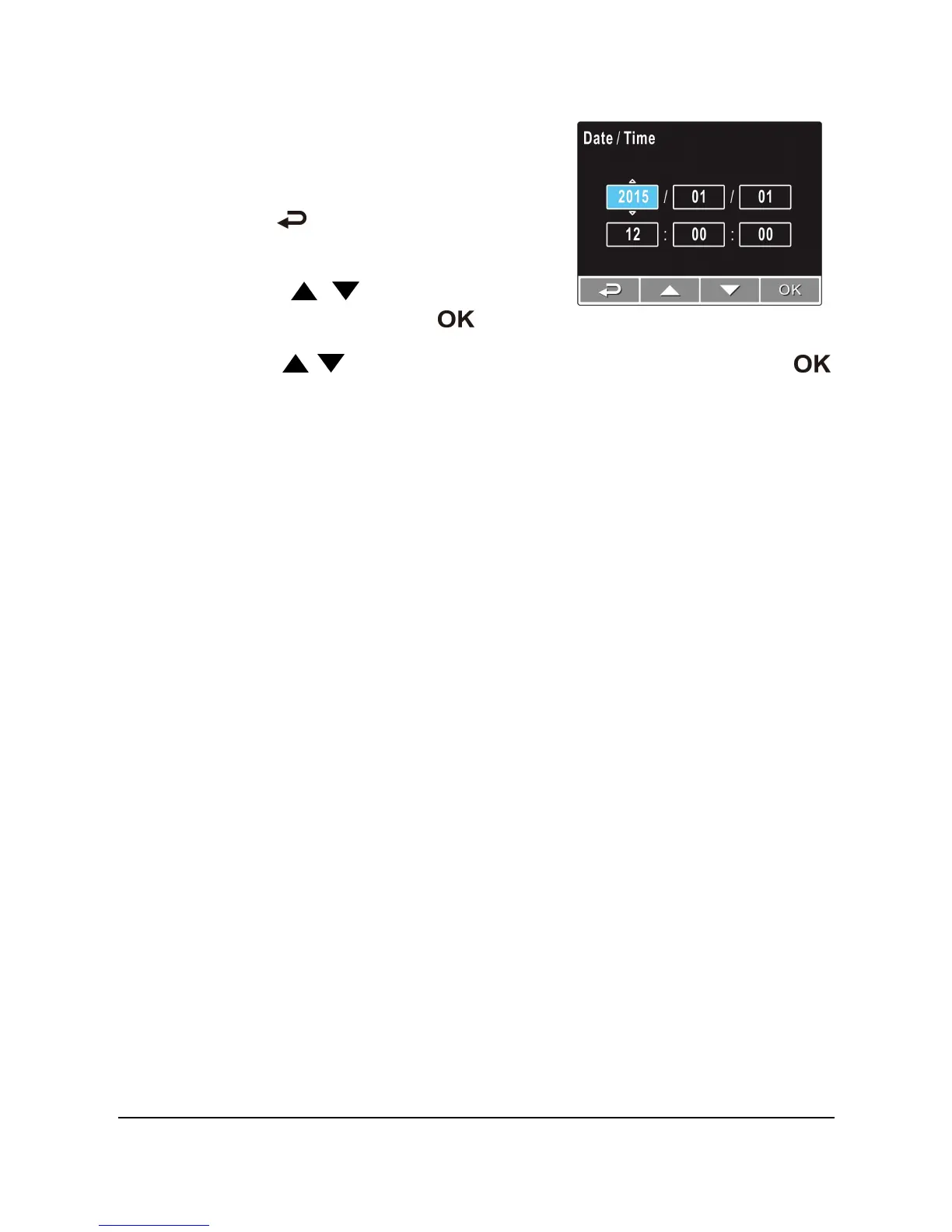
2.5.2 Set the Date and Time
To set the correct date and time, do the
following:
1. Press the button to enter the OSD
menu.
2. Press the / button to select
Date / Time and press the button.
3. Press the / button to adjust the value and press the
button to move to another field.
4. Repeat step 3 until the date and time setting is complete.



 To Next Page