Need help?
Do you have a question about the HP JG708A and is the answer not in the manual?
General description of the HP 1410 switch series capabilities, features, and target market.
Covers safety warnings, symbols, general safety, and electrical safety guidelines.
Covers site examination, temperature, humidity, and cleanness requirements for the installation site.
Details measures for preventing ESD, EMI, and outlines lightning protection.
Provides a checklist for preparing the installation site and equipment.
Step-by-step instructions for mounting the switch in a 19-inch rack.
Instructions for securely mounting the switch on a workbench.
Guidance on connecting network cables and the AC power cord.
Steps to confirm the switch is correctly installed and connected.
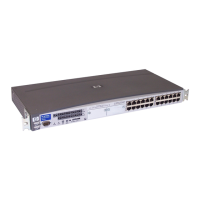
Describes the chassis layout and identifies different switch models.
Detailed views of the front and rear panels for specific switch models.
Key technical specifications for the HP 1410-24-R and 1410-24G-R switch models.
Explains the status and meaning of the Power LED.
Details the status and meaning of Ethernet port LEDs.
Information on how to contact HP for technical support and required details.
Guidance on product registration, alerts, and accessing related documents/websites.


 To Next Page

 General