Scanner side covers
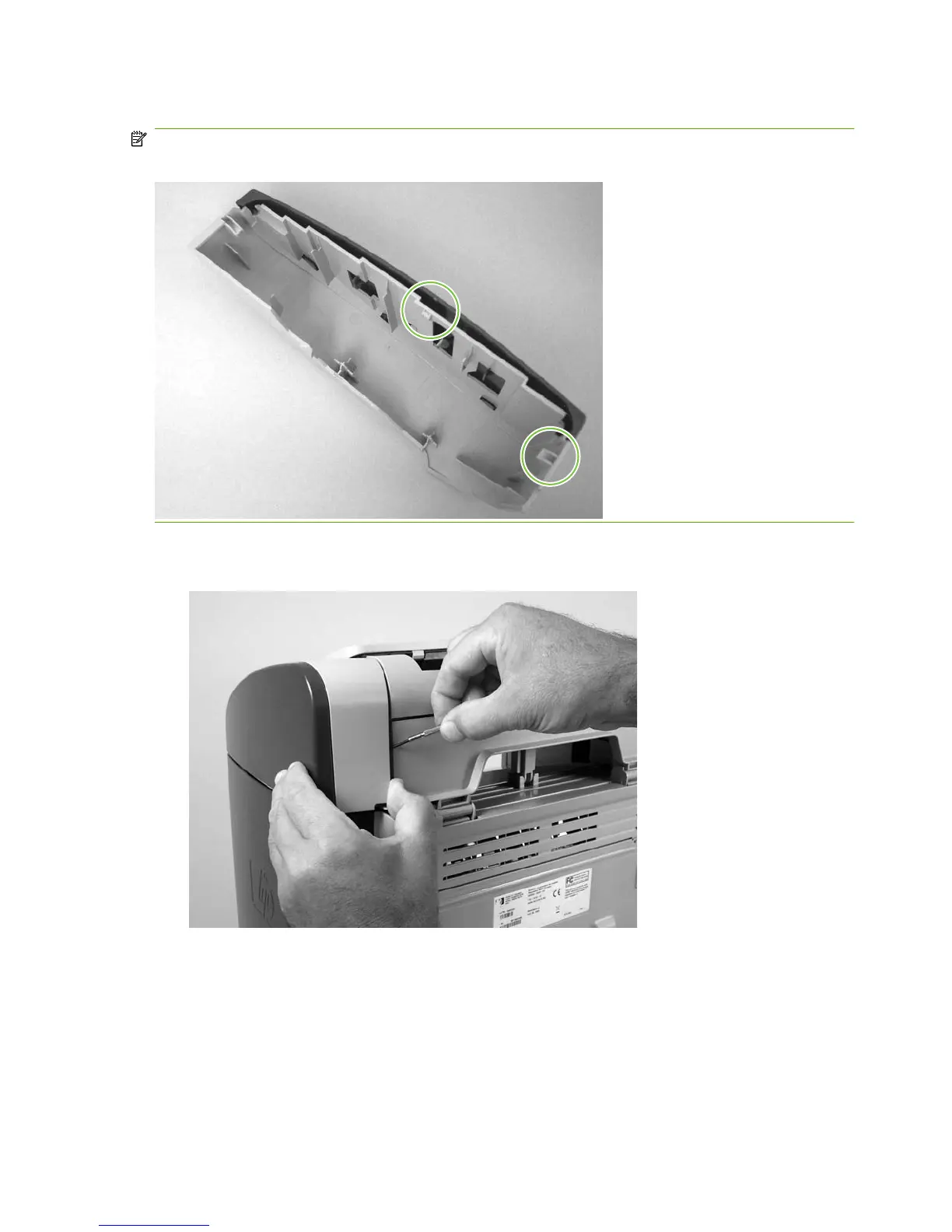
NOTE: In the following figure, examine the locations of the of the locking tabs on the scanner cover
before you remove the cover.
1. Use a small flat-blade screwdriver to release the right-side cover-locking tab.
Figure 6-8 Removing the scanner side covers (1 of 2)
76 Chapter 6 Removal and replacement ENWW



 To Next Page