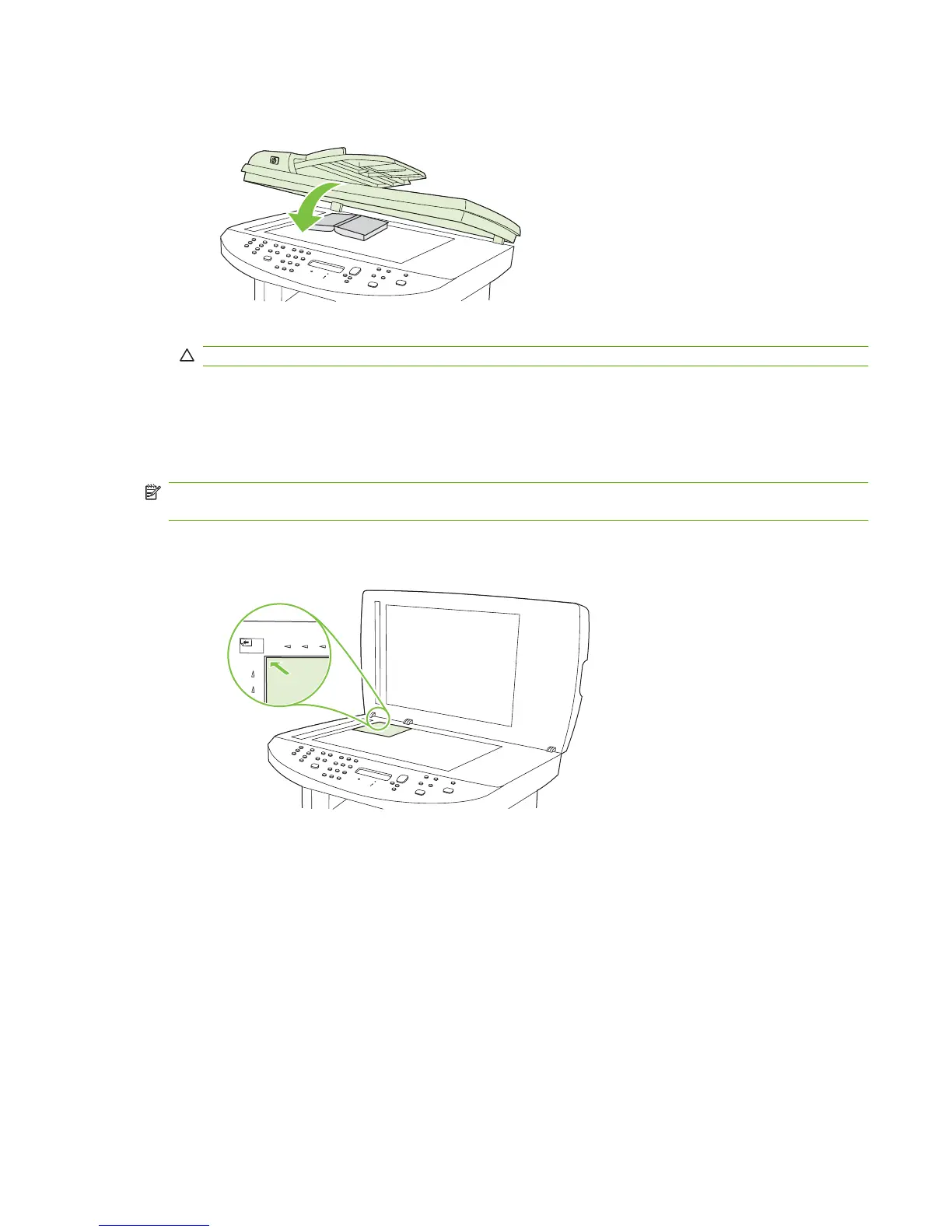
3. Gently press down on the lid to press the book to the flatbed scanner surface.
CAUTION: Pressing on the flatbed cover with too much force can break the lid hinges.
4. Press Start Copy.
Copy photos
NOTE: Photographs should be copied from the product flatbed scanner, not from the automatic
document feeder (ADF).
1. Lift the lid and place the photo on the flatbed scanner with the picture-side down and the upper-
left corner of the photo at the corner indicated by the icon on the scanner.
2. Gently close the lid.
3. Press Start Copy.
ENWW Copy photos 75



 To Next Page