CN
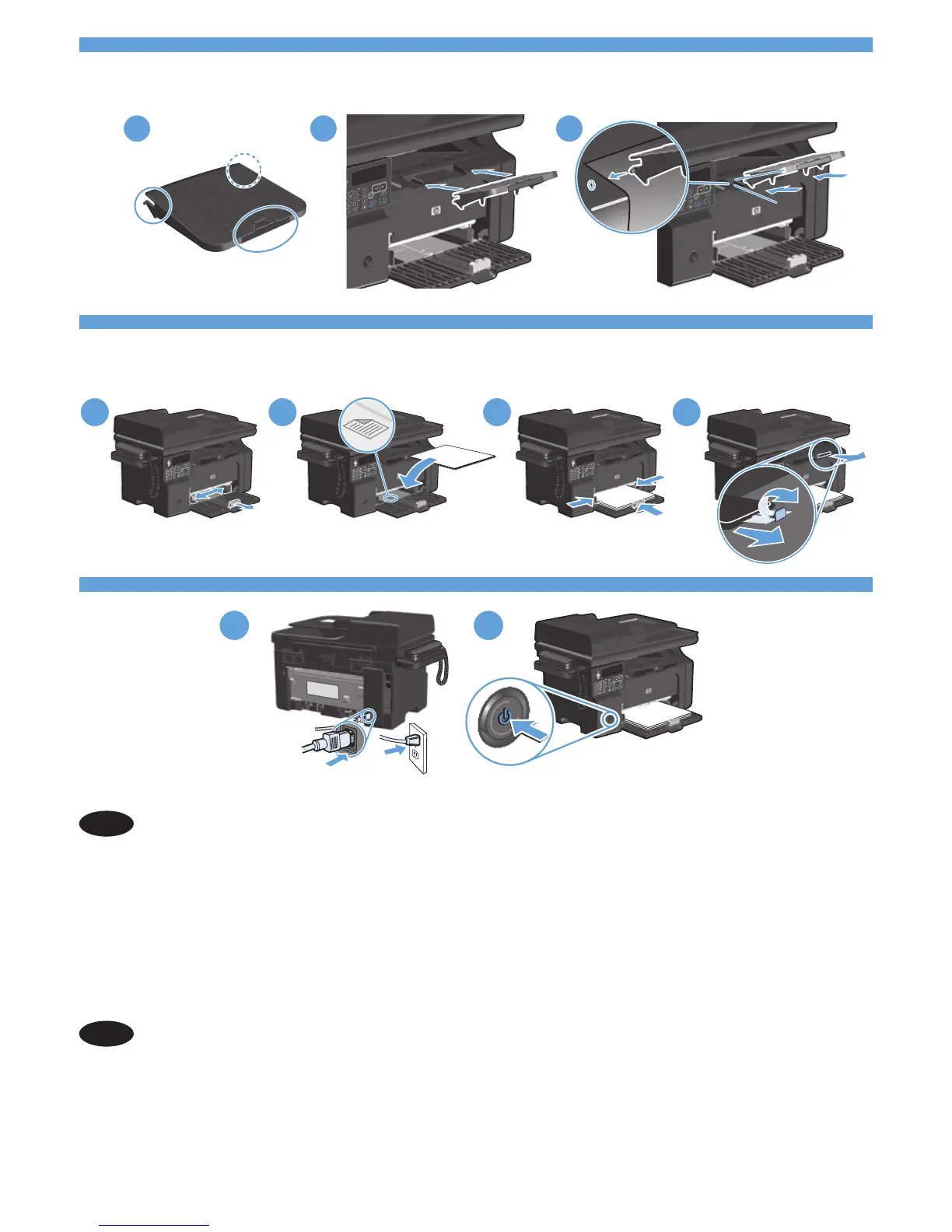
用电源线连接本产品和用电源线连接本产品和接地的交流电插座,然
后打开产品电源。确保电源提供的电压符合产品额定电压。 额定电压
位于产品标签上。本产品使用 110-127 Vac 或 220-240 Vac 电压,
频率为 50/60 Hz。小心:为防止损坏产品,请仅使用随产品提供的
电源线。
EN
Connect the power cord between the product and a grounded AC outlet, and then turn on
the product. Make sure your power source is adequate for the product voltage rating. The
voltage rating is on the product label. The product uses either 110-127 Vac or 220-240 Vac
and 50/60 Hz. Caution: To prevent damage to the product, use only the power cord that
is provided with the product.



 To Next Page