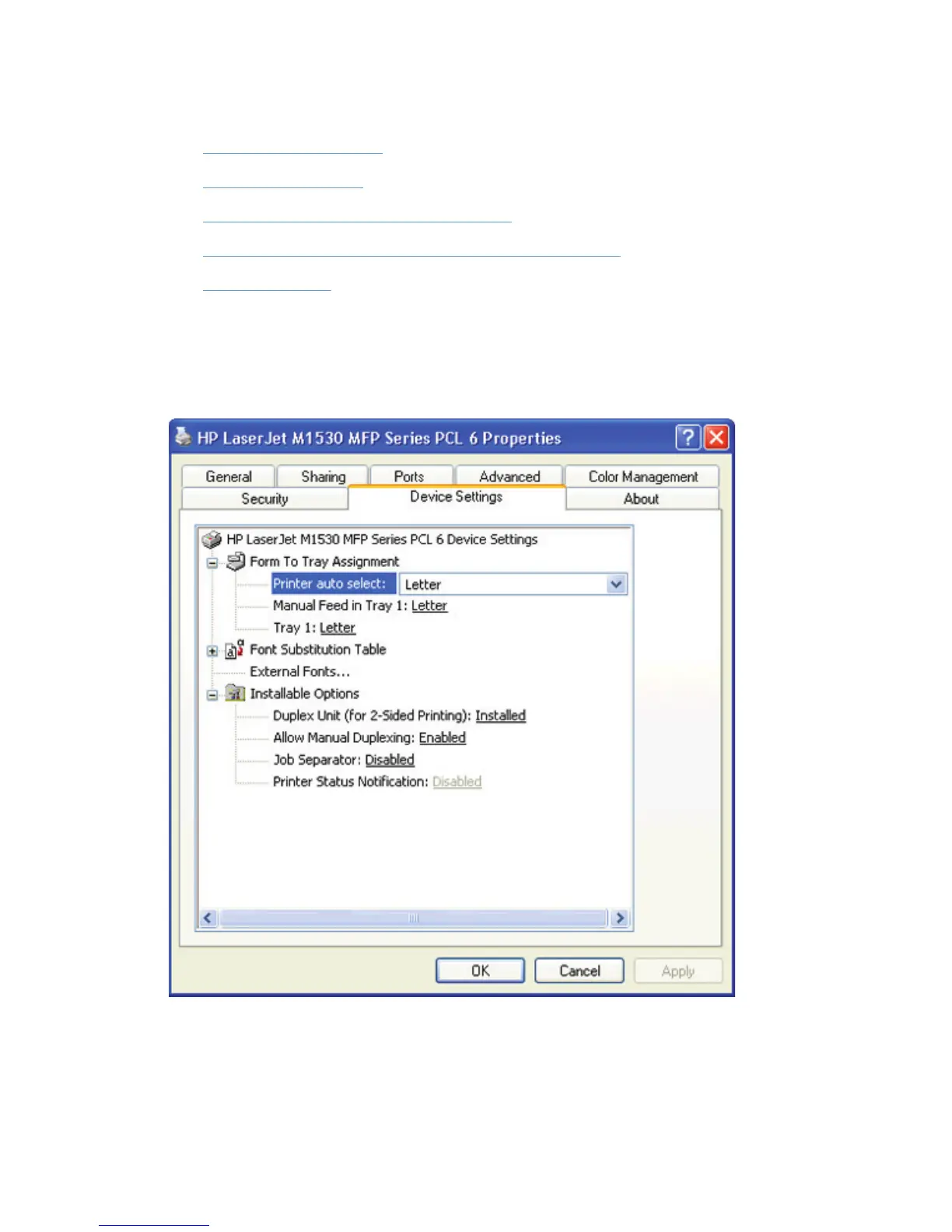
Device Settings tab features
●
Form To Tray Assignment
●
Font Substitution Table
●
External Fonts (HP PCL 6 printer driver only)
●
HP postscript level 3 emulation printer driver Device Settings
●
Installable Options
The Device Settings tab is in the Properties printer-driver tabs.
The Device Settings tab contains options for controlling paper-handling devices and for managing
the product.
Figure 4-7 HP PCL 6 printer driver Device Settings tab
ENWW
Device Settings tab features
69



 To Next Page