This section includes the following topics:
•
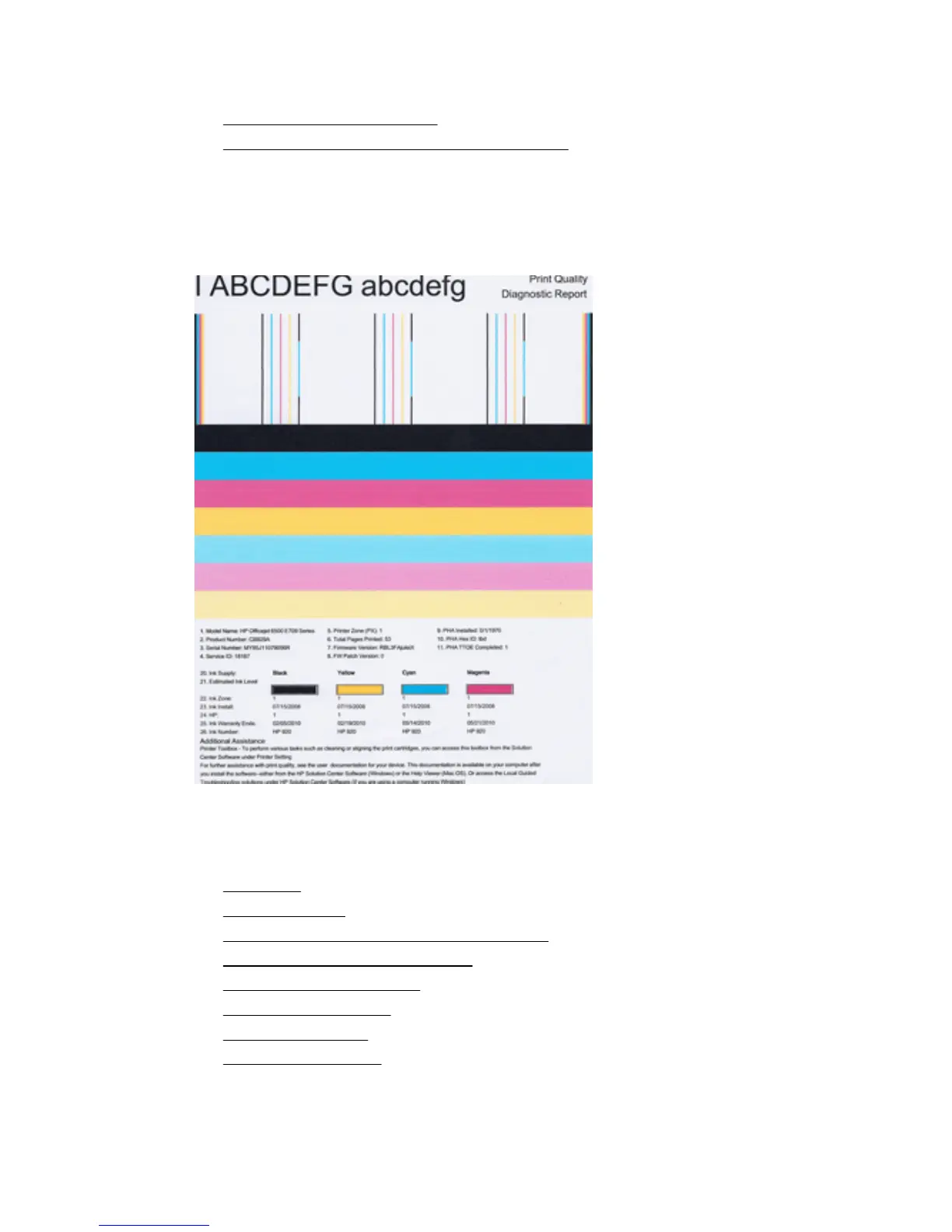
To print a print quality report
•
To evaluate the Print Quality Diagnostic Page
To print a print quality report
Control panel: Touch Setup, select Print Report, select Printer Status or Self-Test,
and then click OK
To evaluate the Print Quality Diagnostic Page
This section includes the following topics:
•
Ink Levels
•
Good color bars
•
Ragged, irregularly streaked, or faded bars
•
Regular white streaks in the bars
•
Bar colors are not uniform
•
Large Black Font Text
•
Alignment Patterns
•
If you see no defects
Print quality troubleshooting 115



 To Next Page