Ink Levels
▲ Look at the Ink Level indicators in Line 21. If any of the bar level indicators are low,
you may need to replace that ink cartridge.
NOTE: Ink level warnings and indicators provide estimates for planning
purposes only. When you receive an ink alert message, consider having a
replacement cartridge available to avoid possible printing delays. You do not need
to replace cartridges until print quality becomes unacceptable.
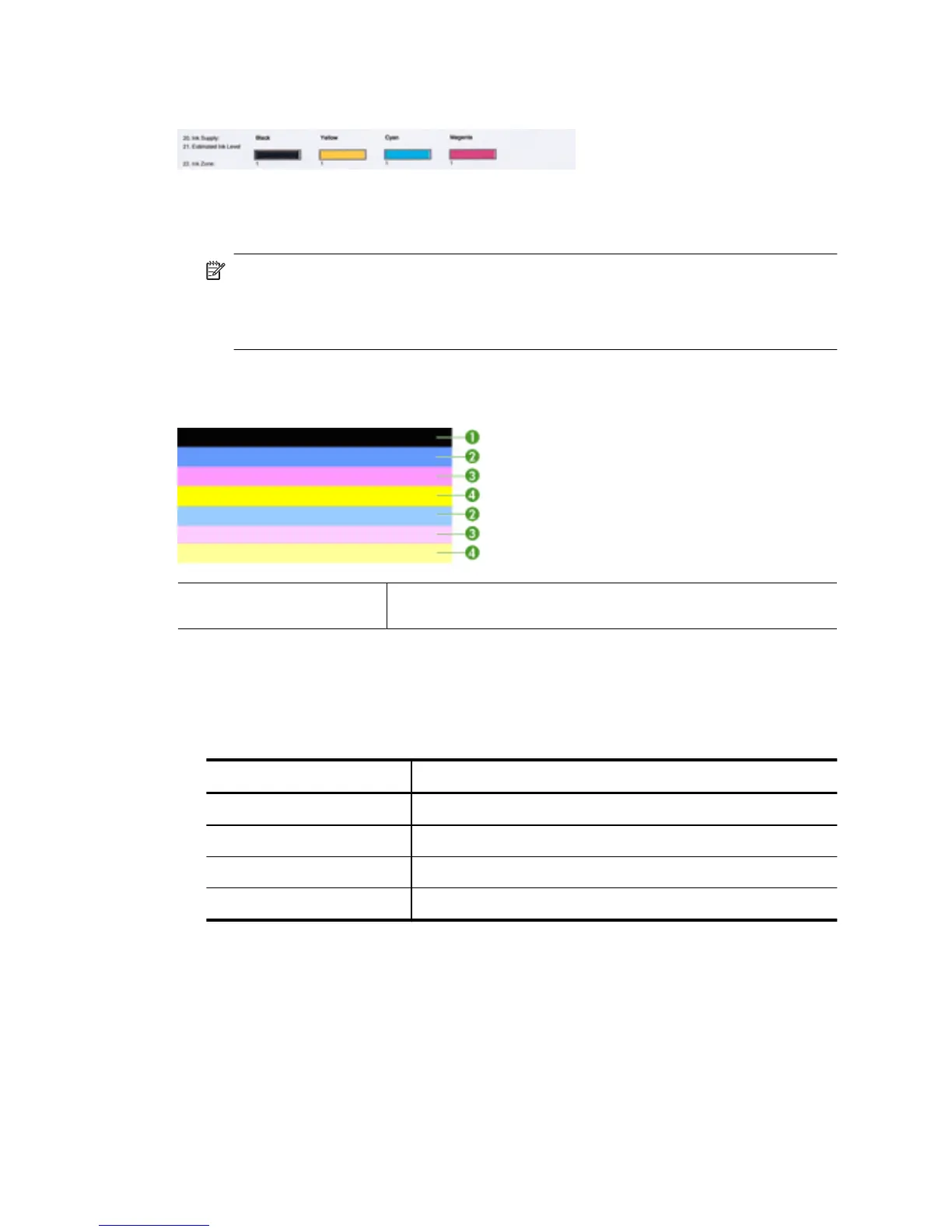
Good color bars
Example of Good Color Bars All seven bars are solid, sharp-edged, and extend with uniform
color all the way across the page - the printer is operating correctly.
▲ Look at the color bars in the middle of the page. There should be seven color bars.
The color bars should have sharp edges. They should be solid (not streaked with
white or other colors). They should be uniform in color throughout.
The bars correspond to the ink cartridges in the printer as follows:
Item Cartridge color
1 Black Ink Cartridge
2 Cyan Ink Cartridge
3 Magenta Ink Cartridge
4 Yellow Ink Cartridge
Chapter 8
116 Solve a problem



 To Next Page