3. Insert the media print-side down along the right of the main tray. Make sure the media
aligns with the right and back edges of the tray and does not exceed the line marking
in the tray.
2
1
NOTE: Do not load paper while the printer is printing.
4. Slide the media guides in the tray to adjust them for the media size that you have
loaded.
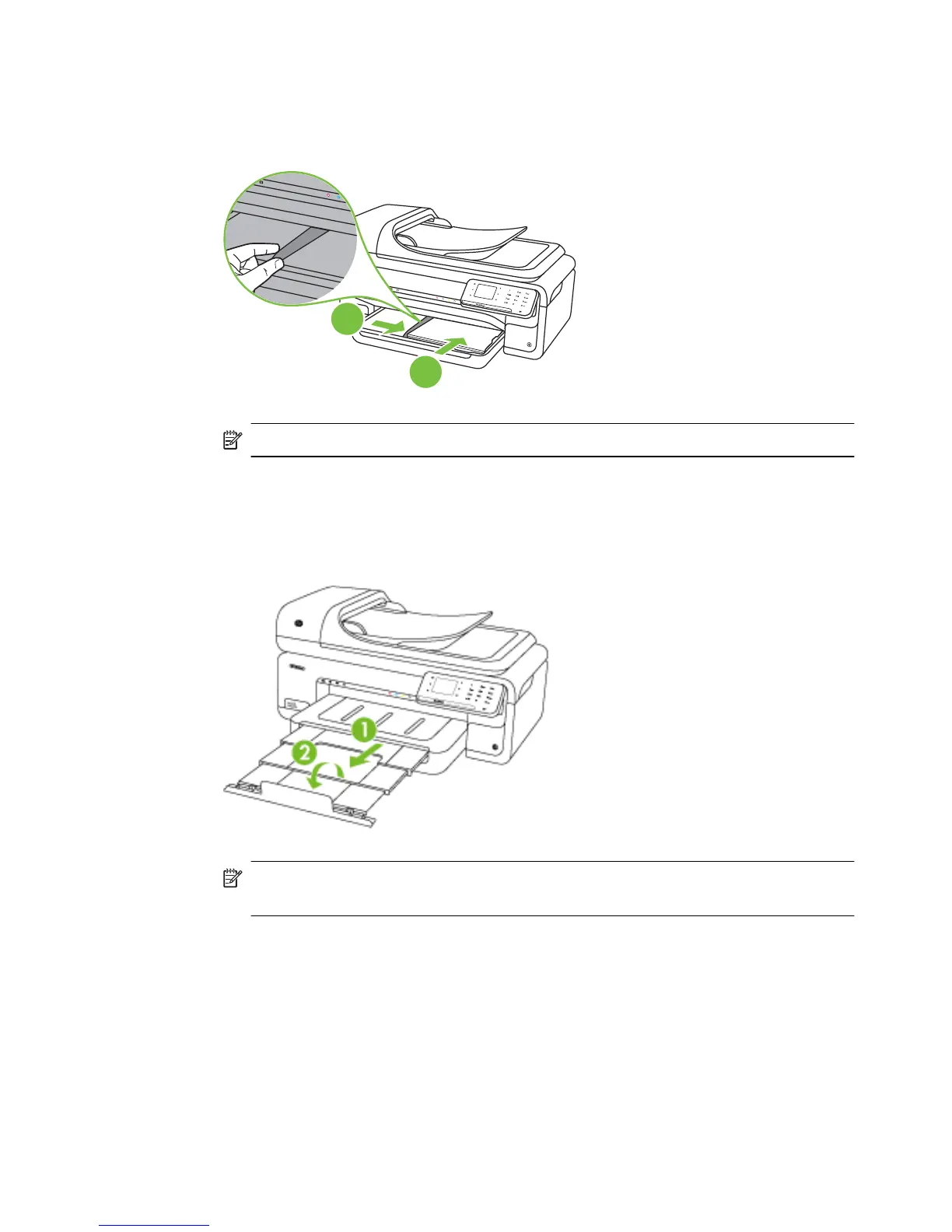
5. Lower the output tray.
6. Pull out the tray extender.
NOTE: When printing documents larger than A3/11 x 17 inches, extend the
output tray extender all the way and tilt the paper stopper.
Load media 21



 To Next Page