Load Envelopes
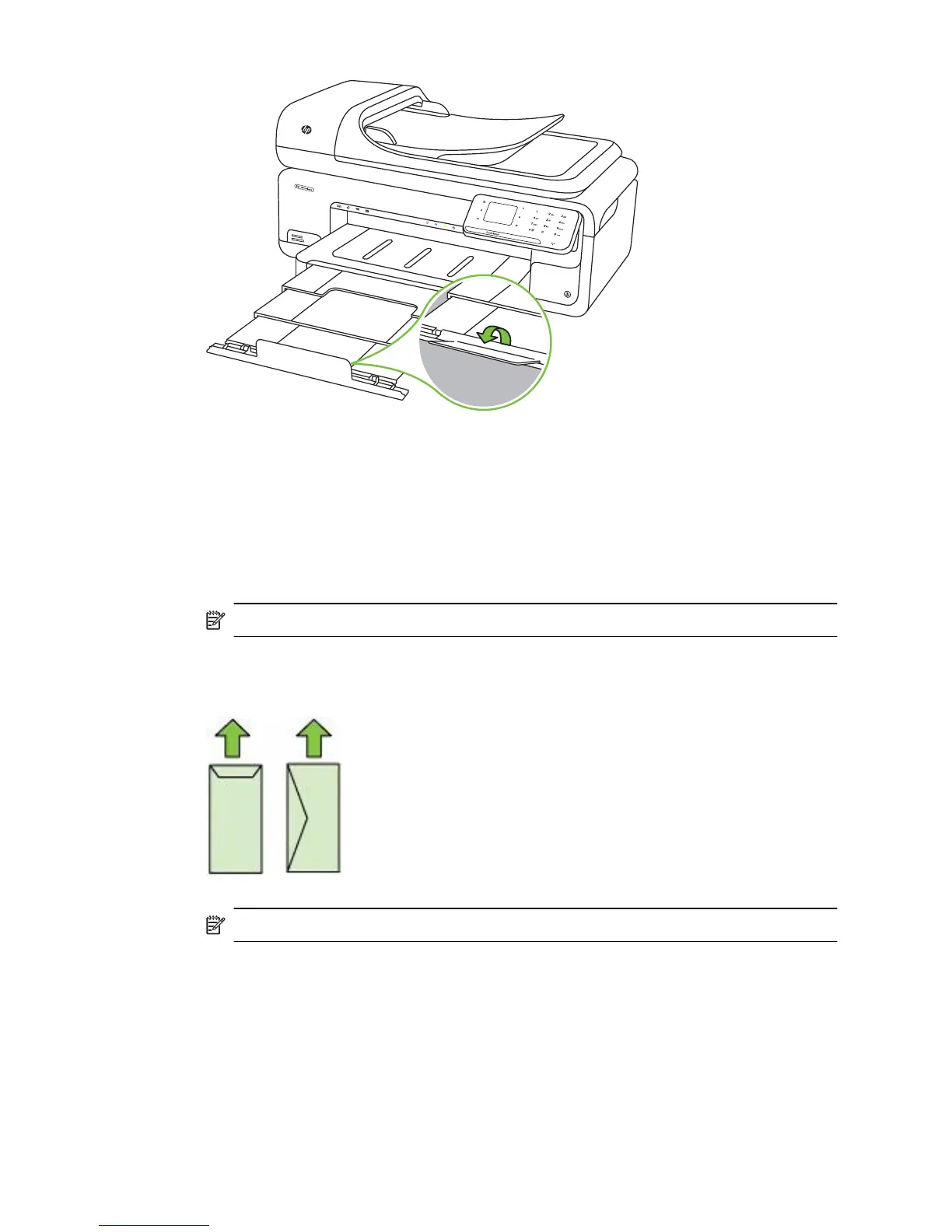
To load envelopes
Use these instructions to load an envelope
1. Lift the output tray.
2. Slide the paper width guide out as far as possible.
NOTE: If you are loading larger-sized media, pull the input tray to extend it.
3. Load envelopes according to the graphic. Make sure the stack of envelopes does not
exceed the line marking in the tray.
NOTE: Do not load paper while the printer is printing.
4. Slide the media guides in the tray to adjust them for the media size that you have
loaded.
Chapter 1
22 Get started



 To Next Page