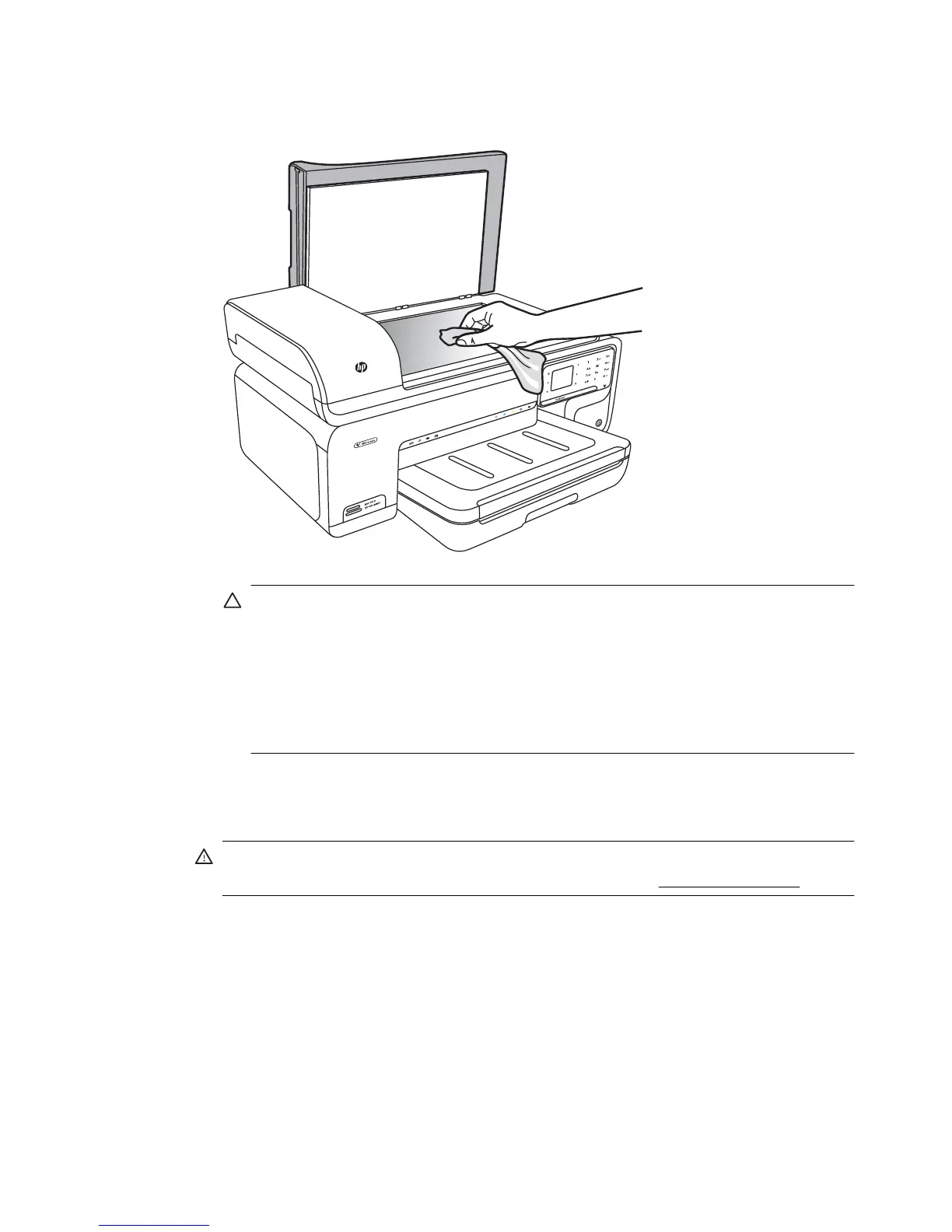
3. Clean the glass by using a soft, lint-free cloth that has been sprayed with a mild glass
cleaner. Dry the glass with a dry, soft, lint-free cloth.
CAUTION: Use only glass cleaner to clean the scanner glass. Avoid cleaners
that contain abrasives, acetone, benzene, and carbon tetrachloride, all of which
can damage the scanner glass. Avoid isopropyl alcohol because it can leave
streaks on the glass.
CAUTION: Do not spray the glass cleaner directly on the glass. If too much glass
cleaner is applied, the cleaner could leak under the glass and damage the
scanner.
4. Close the scanner lid, and turn on the printer.
Clean the exterior
WARNING! Before cleaning the printer, turn off the power and unplug the power
cord from the electrical socket. For more information, see
Turn off the printer.
Use a soft, damp, lint-free cloth to wipe dust, smudges, and stains off of the case. The
exterior of the printer does not require cleaning. Keep fluids away from the interior of the
printer, as well as from the printer control panel.
Clean the automatic document feeder (ADF)
If the automatic document feeder picks up multiple pages or if it does not pick up plain
paper, you can clean the rollers and separator pad. Lift the automatic document feeder
cover to access the pick assembly inside the automatic document feeder, clean the rollers
or separator pad, and then close the cover.
Maintain the printer 27



 To Next Page