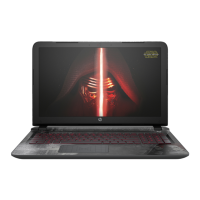
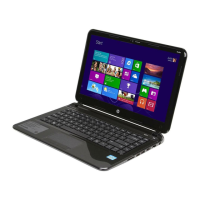
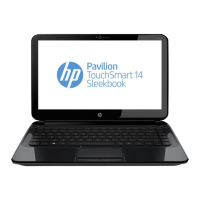
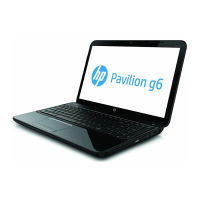
Display
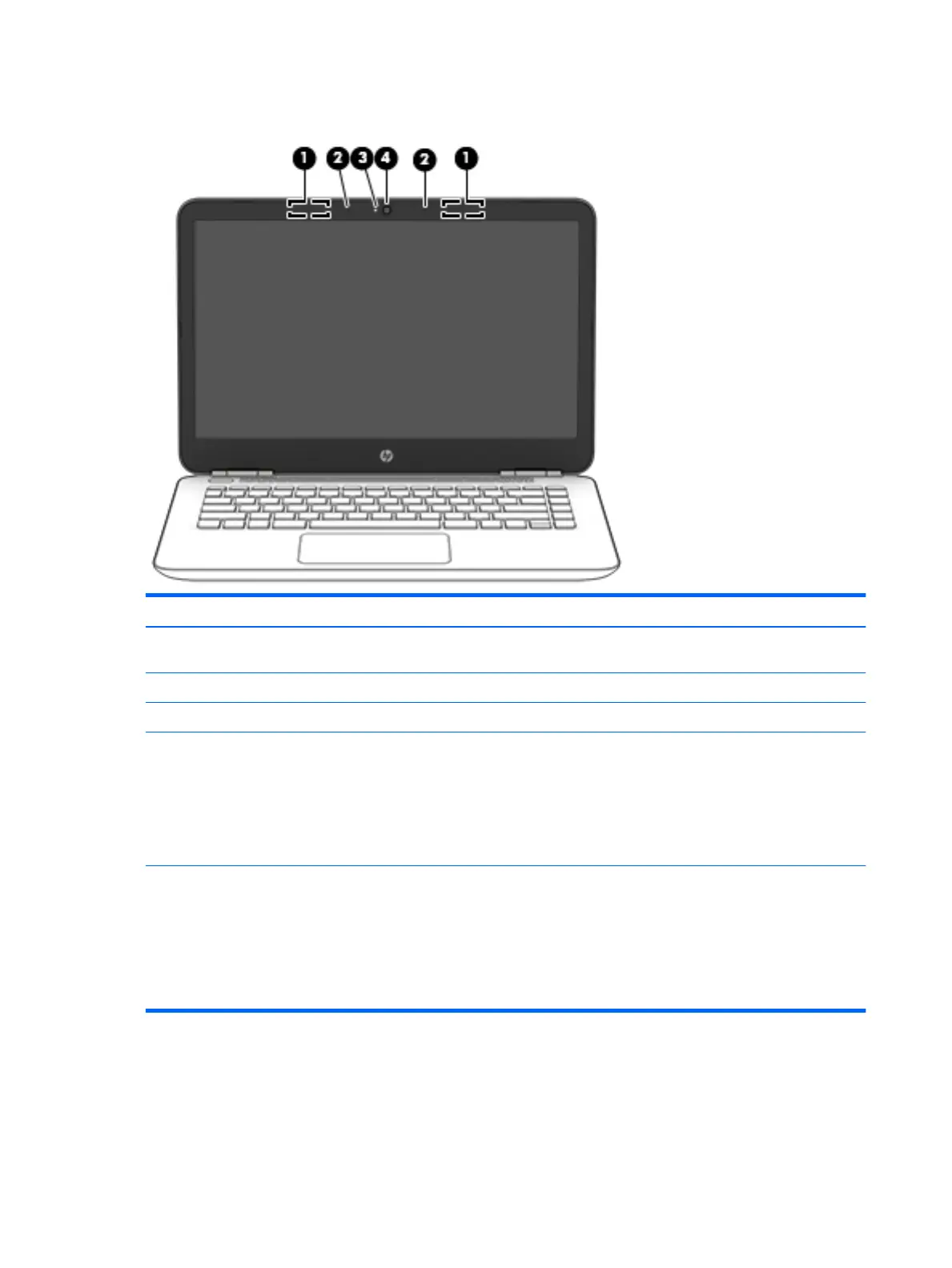
Item Component Description
(1) WLAN antennas* Send and receive wireless signals to communicate
with WLANs.
(2) Internal microphones Record sound.
(3) Webcam light On: The webcam is in use.
(4) Webcam Allows you to video chat, record video, or record still images.
Some also provide HD or 3D capability, apps for gaming, or
facial recognition software like Windows Hello.
To use your webcam:
▲
Type camera in the taskbar search box, and then
select Camera.
*The antennas are not visible from the outside of the computer. For optimal transmission, keep the areas immediately around
the antennas free from obstructions.
For wireless regulatory notices, see the section of the Regulatory, Safety, and Environmental Notices that applies to your country
or region.
To access this guide:
▲
Select the Start button, select All apps, select HP Help and Support, and then select HP Documentation.
4 Chapter 2 External component identication


 To Next Page
 Loading...