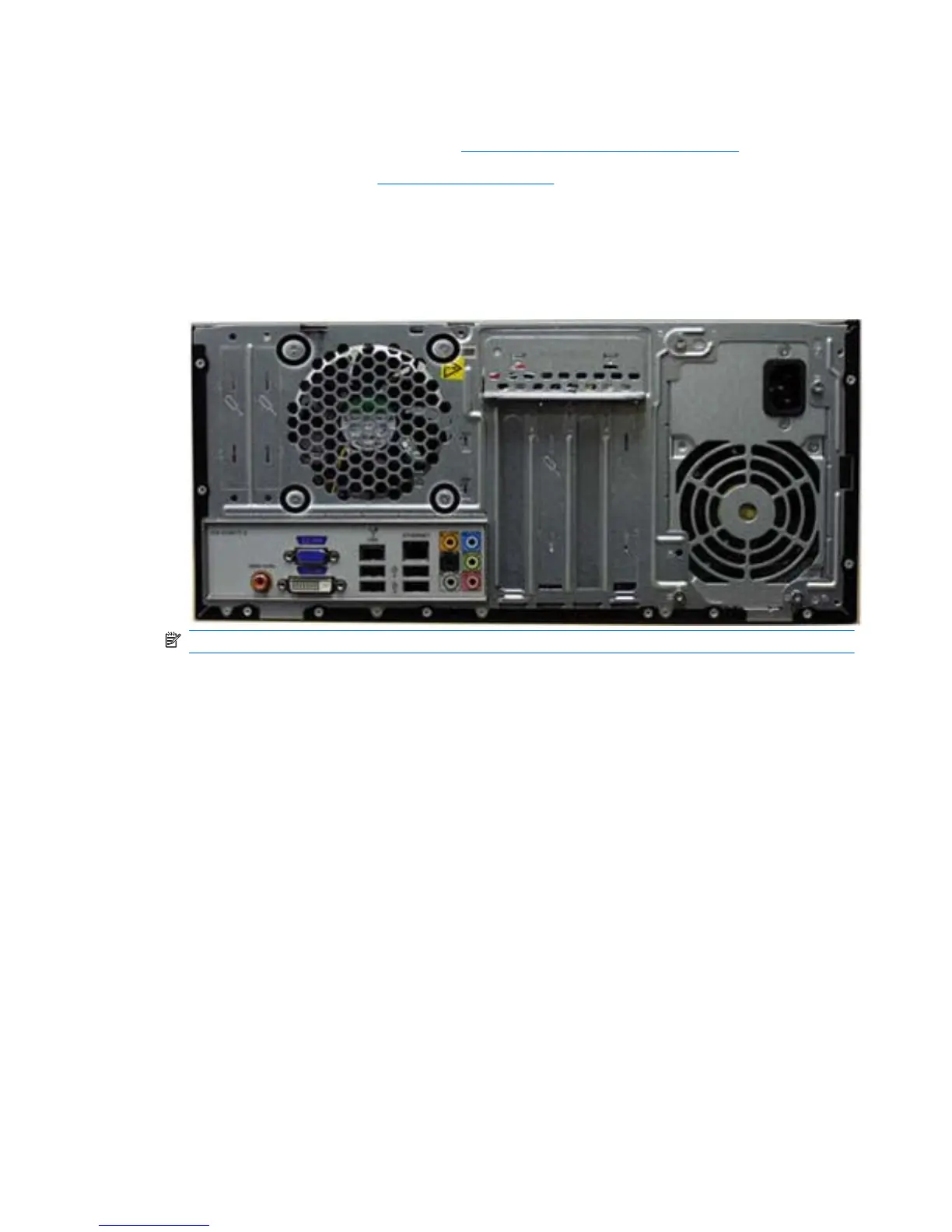
System Fan
1. Prepare the computer for disassembly (Preparation for Disassembly on page 32).
2. Remove the access panel (
Access Panel on page 33).
3. Lay the computer on its side with the rear facing toward you.
4. Disconnect the cable from the red/brown system board connector labeled SYS_FAN1.
5. Remove the four Phillips screws that secure the fan to the chassis, rotate the top of the fan
forward, and then remove the fan from the chassis.
NOTE: HP Pro 3015 model shown.
To install the fan, reverse the removal procedures.
66 Chapter 6 Removal and Replacement Procedures Microtower (MT) Chassis








 To Next Page