load paper and load originals
20
hp psc 900 series
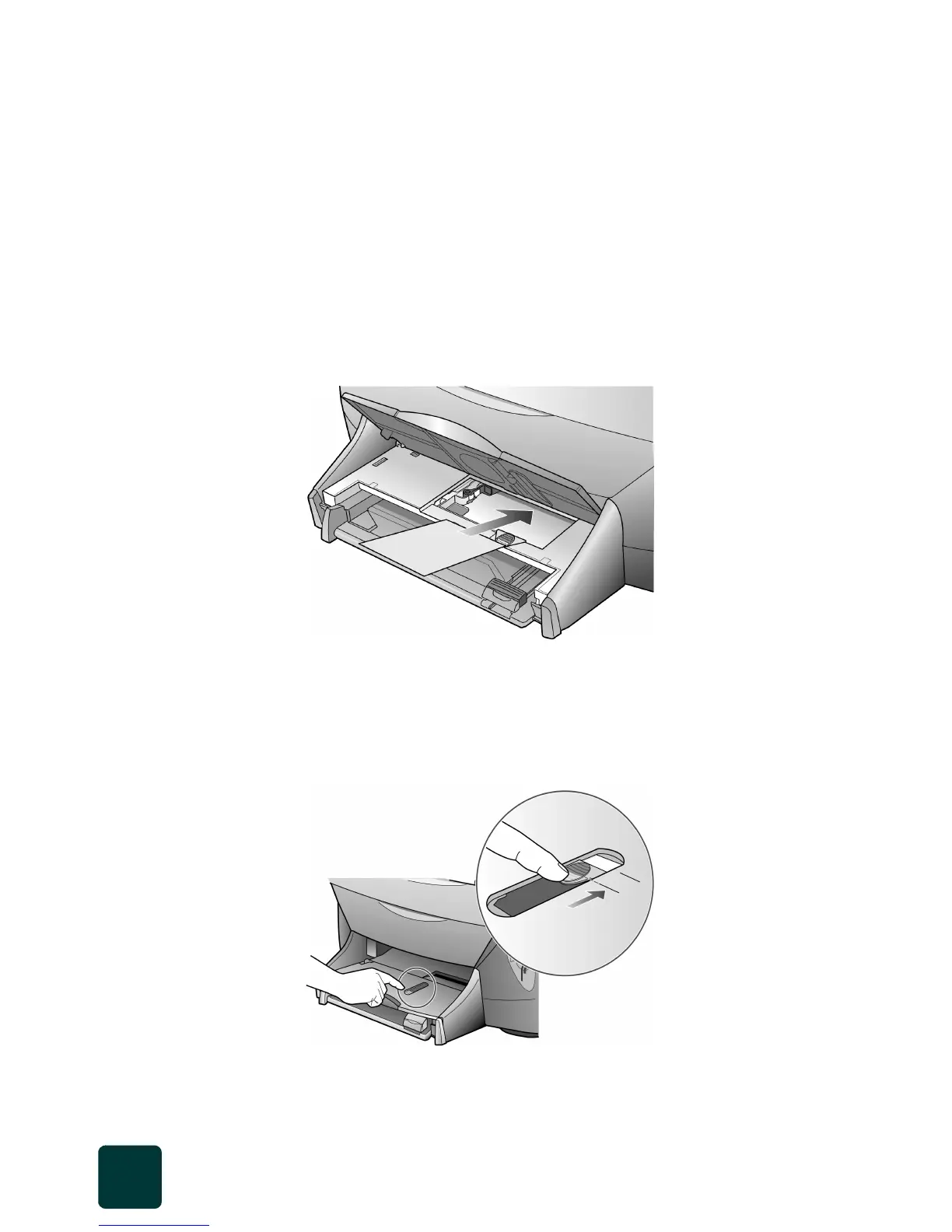
load 4 x 6 photo paper
The HP PSC contains a special tray that lets you load 4-inch by 6-inch photo
paper for printing from your computer or direct from a photo card.
1 Lift the output tray.
2 Make sure the instruction insert has been removed.
3 Slide the photo tray release button toward you, if it has been pushed
in.
4 Place the photo cards into the photo tray with the print side down.
If you are using tabbed photo paper, place the tabbed photo paper
into the photo tray so that the tabbed end feeds in last.
5 Lower the output tray.
6 Slide the photo tray release button into the correct position, as follows:
– If you are using 4” x 6” photo paper with a removable tab, push
the photo tray release buttin in until the button reaches the first
position.
– If you are using 4” x 6” photo paper without a removable tab,
push the photo tray release button in further to the second position.



 To Next Page