perform special copy functions
31
hp psc 900 series
prepare a
color T-shirt
transfer
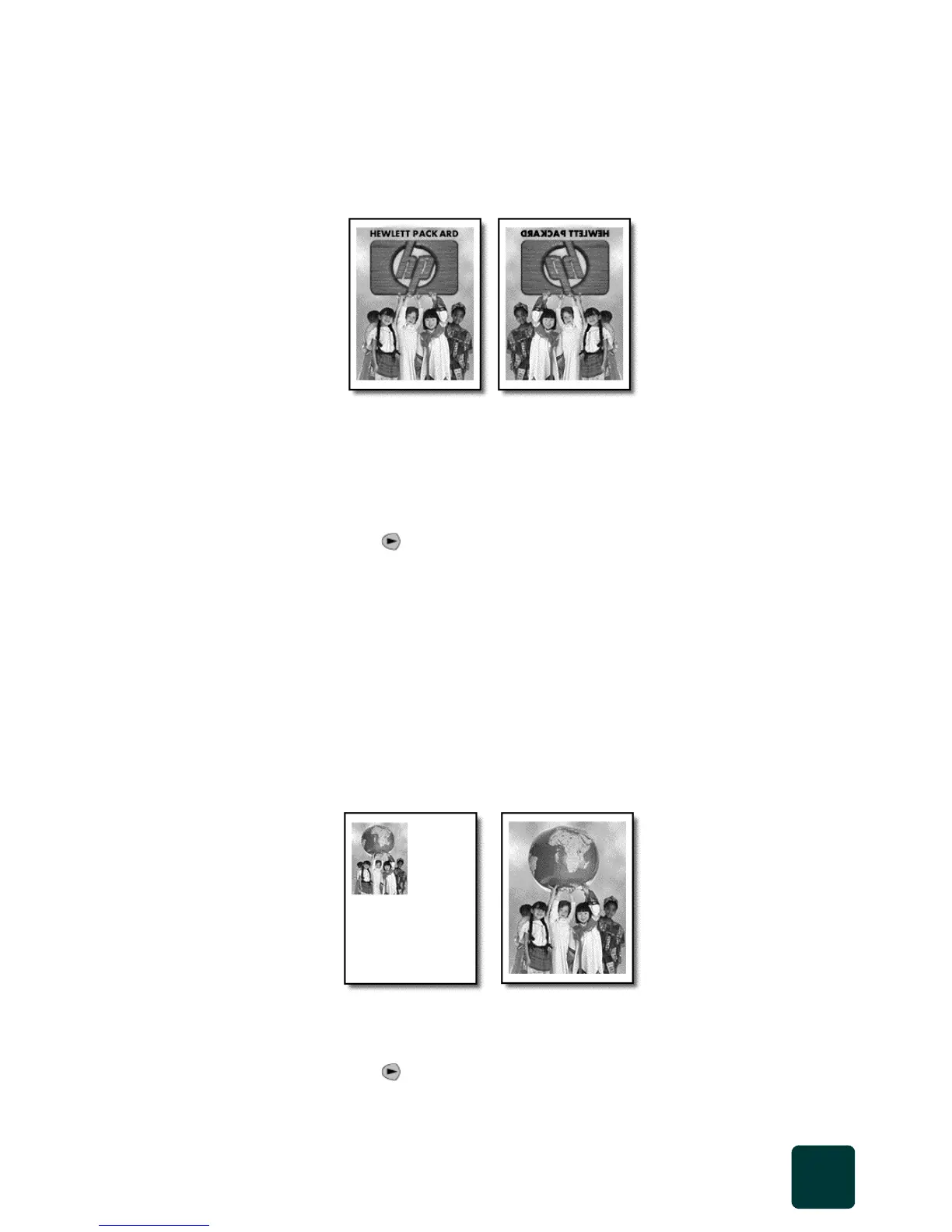
Use the Iron-On feature to reverse text and images so that they appear
backwards. After the transfer is ironed onto a T-shirt, the picture appears
properly on the shirt.
Tip! We recommend that you practice applying a
T-shirt transfer on an old garment first.
1 Press Scanner, then press Copy, if not already lit.
2 Press Options repeatedly until Paper Type appears.
3 Press until Iron-On appears.
Selecting this option automatically activates the Mirror function.
4 Press Enter.
5 Press Black or Color.
fit a copy to
the page
Use Fit to Page when you want to automatically enlarge or reduce your
original to fit the paper size you have loaded.
Tip! Make sure that the glass is clean and the original has
been placed in the right-front corner of the glass.
1 Press Scanner, then press Copy, if not already lit.
2 Press Options repeatedly until Which Size? appears.
3 Press until Fit to Page appears.
Origina
Iron-On
Original
Fit to Page



 To Next Page