Need help?
Do you have a question about the HP RK906 and is the answer not in the manual?
Plug the dongle into a USB port and ensure the keyboard's power switch is ON.
Ensure keyboard batteries are installed following polarity signs in the compartment.
Identifies the keyboard's ID pairing/connect button on the bottom.
Steps to pair the keyboard and dongle, including proximity and button press duration.
Ensure PC is on. Re-pairing not usually needed after battery change.
Details the Fn key functions like Help, Internet, Sleep, Lock, media controls, and Mute.
Lists the combined F1-F12 keys for specific functions like Help, Internet, Sleep, and media playback.
Recommends alkaline batteries, advises against mixing types/ages, and suggests removing batteries during non-use.
Specifies power ratings for keyboard and dongle, and the maximum operating temperature.
Details FCC rules, conditions for operation, and measures to correct interference.
States conditions for operation and acceptance of interference for Canadian compliance.
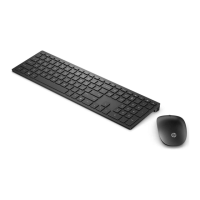
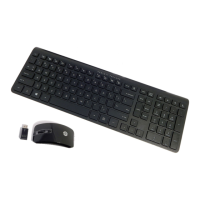
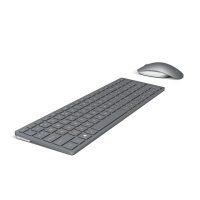
This document describes the HP 2.4GHz Wireless Trackball Keyboard, which includes a 2.4G Dongle (models RK906, RX906). It's designed for use with Windows® XP, Windows® Vista, and Windows® 7 operating systems, offering immediate plug-and-play functionality once the dongle is connected to a USB port.
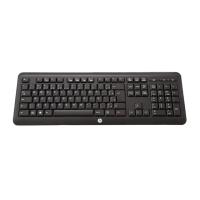
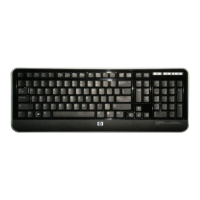
The HP 2.4GHz Wireless Trackball Keyboard is a peripheral input device that combines keyboard and trackball functionalities. It operates wirelessly via a 2.4GHz dongle, providing a clutter-free workspace. The keyboard features a range of dedicated function keys and multimedia controls, accessible directly or by combining with the "Fn" key.

 To Next Page
 General