Need help?
Do you have a question about the HP USB Smartcard CCID Keyboard and is the answer not in the manual?
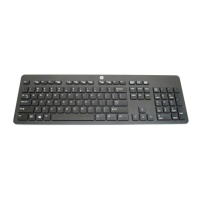
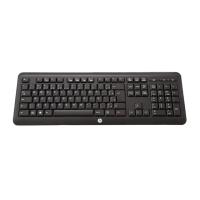
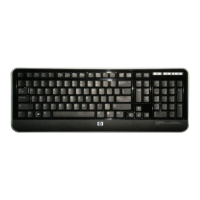
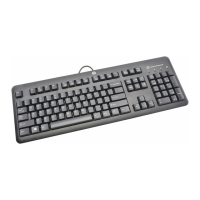
Details the features of the HP USB Smartcard CCID Keyboard, including its security capabilities.
Lists the items included in the HP USB Smartcard CCID Keyboard package.
Instructions for connecting the keyboard to the computer via a USB port.
Guidance on installing smart card reader drivers from the included CD or operating system.
Steps for orienting and inserting a smart card into the keyboard's reader slot.
Provides solutions for common issues encountered with the smart card keyboard.
Details on accessing HP's online resources for technical support and self-help.
Lists essential information to have ready before contacting technical support.
 General
| Interface | USB |
|---|---|
| Key Switch Technology | Membrane |
| Smart Card Reader | Yes |
| CCID | Yes |
| Compatibility | PC |
| Keyboard Layout | QWERTY |
| Connectivity Technology | Wired |
| Device Type | Keyboard |
| Operating System Support | Windows, Linux |
| Product Type | Keyboard with Smart Card Reader |

 To Next Page