DescriptionItem
The mounting location of the batteryBattery
Indicates the installation or the uninstallation of the battery.
Install: Install battery, Uninstall: Uninstall battery.
Define
The number of batteries.Num. of Batteries
NOTE:
Only the changed items will be output.
Example 5 (uninstalling a power supply)
user-name,xx,YYYY/MM/DD,HH:MM:SS.xxx, 00:00,[Install],Uninstall,,Normal end,,,Seq.=xxxxx
+Redundant Power Supply=[CL Additional Power Supply,CL Additional Power Supply2],
Num. of Redundant Power Supplies=2
[Install]
Install function
Uninstall
Uninstall operation
Normal end
The operation has ended normally.
Seq.=xxxxxx
Sequence number of log information (0000000000 to 4294967295)
Detailed Information
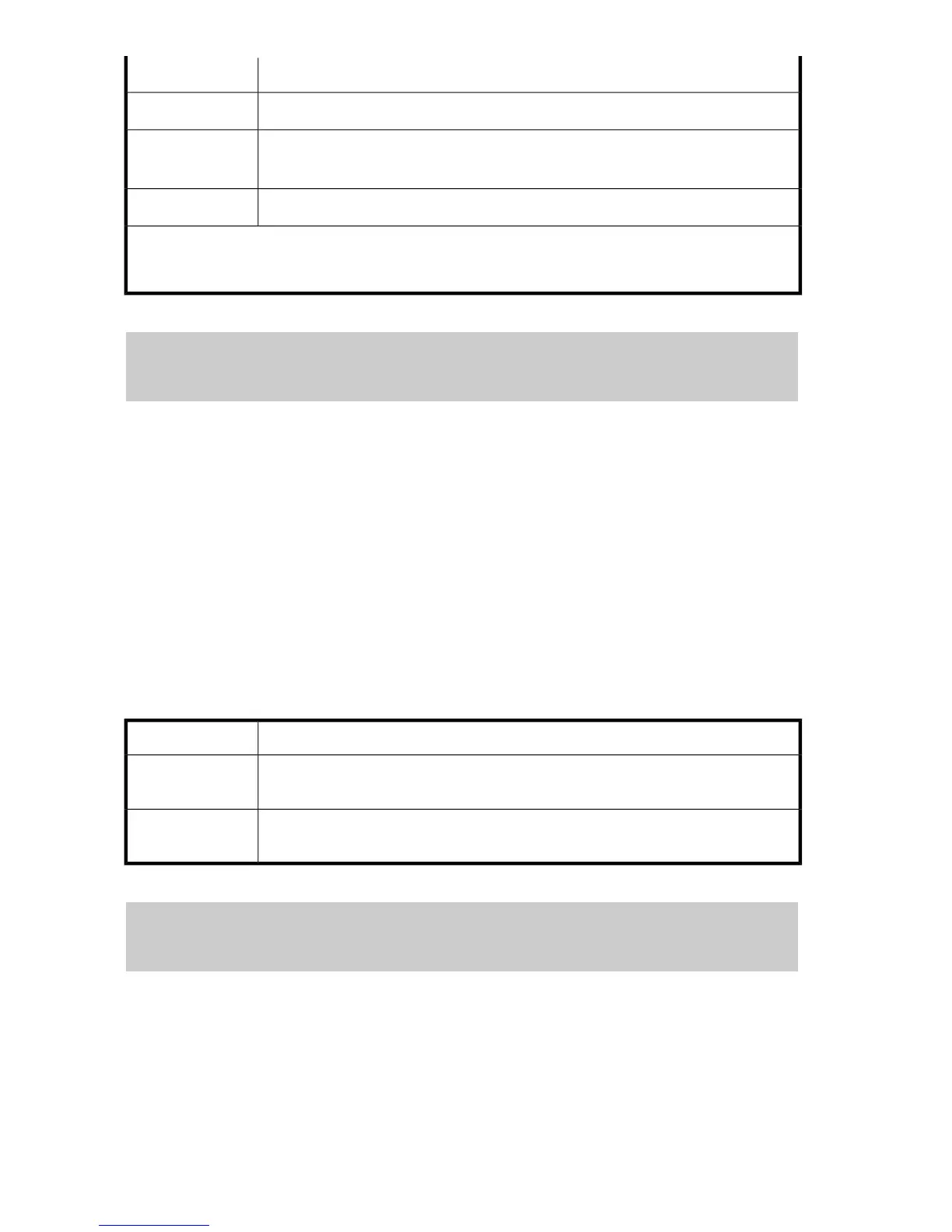
Detailed information displays for this operation, as shown in Table 161.
Table 161 Uninstall Operation (Uninstalling a Power Supply)
DescriptionItem
The uninstalled additional cluster power supply.
Redundant Power
Supply
The number of additional cluster power supplies.
Num. of Redundant
Power Supplies
Example 6 (uninstalling a battery)
user-name,xx,YYYY/MM/DD,HH:MM:SS.xxx, 00:00,[Install],Uninstall,,Normal end,,,Seq.=xxxxx
+Power Lost Mode=Memory Backup Mode
+Battery=[BATTERY-UR00,BATTERY-UR01,BATTERY-UR02,BATTERY-UR03],Num. of Batteries=4
[Install]
Install function
Uninstall
Uninstall operation
Install Function194









 To Next Page