EL-MF877-00 Page 17
Template Revision C
Last revalidation date 13-April-2020
HPI instructions for this template are available at EL-MF877-01
DP connector P300
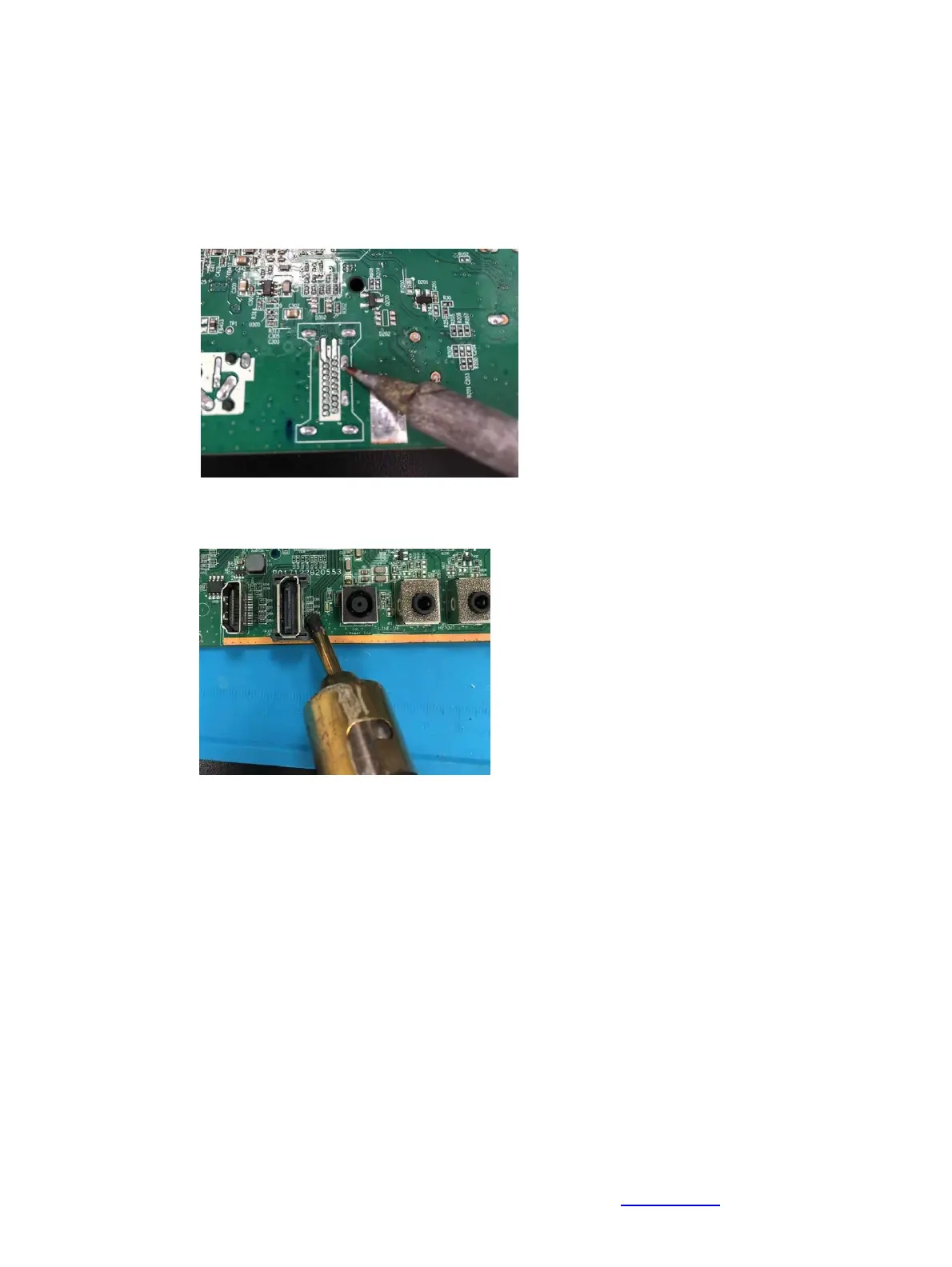
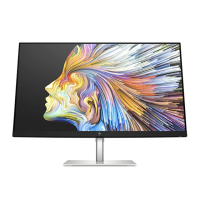
Repair the DP connector:
1) Use a soldering iron and a de-soldering pump to remove as much solder as possible from the pin.
2) Use a hot air gun to melt the solder on the pins.
3) Lift the P300 connector from the PCB.
4) Place the new component on the PCB. Be sure that it matches the PCB footprint.
5) Solder the new component


 To Next Page