12
1.8 Using the Touch Screen
1.8.1 Single Touch
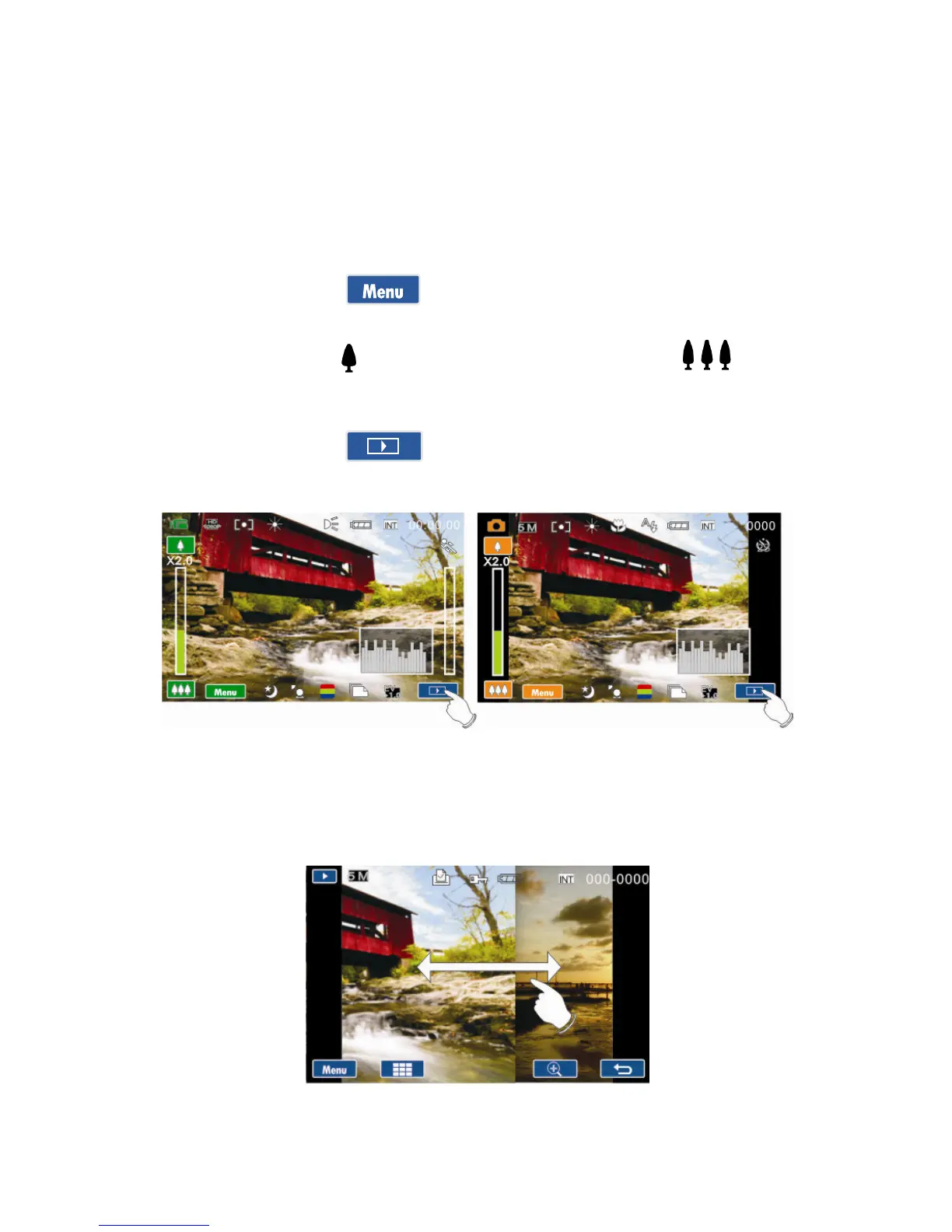
Single touch to activate hotkeys on LCD screen.
Example, in Video/Photo Mode:
1. Touch the icon to enter the Setup menu.
2. Touch the icon to zoom in and touch the icon to
zoom out.
3. Touch the icon to set the camcorder in playback
mode.
1.8.2 41BSlide
While in Playback mode, touch and slide right or left to view the
previous or next Video/Photo.



 To Next Page
 Loading...




