6
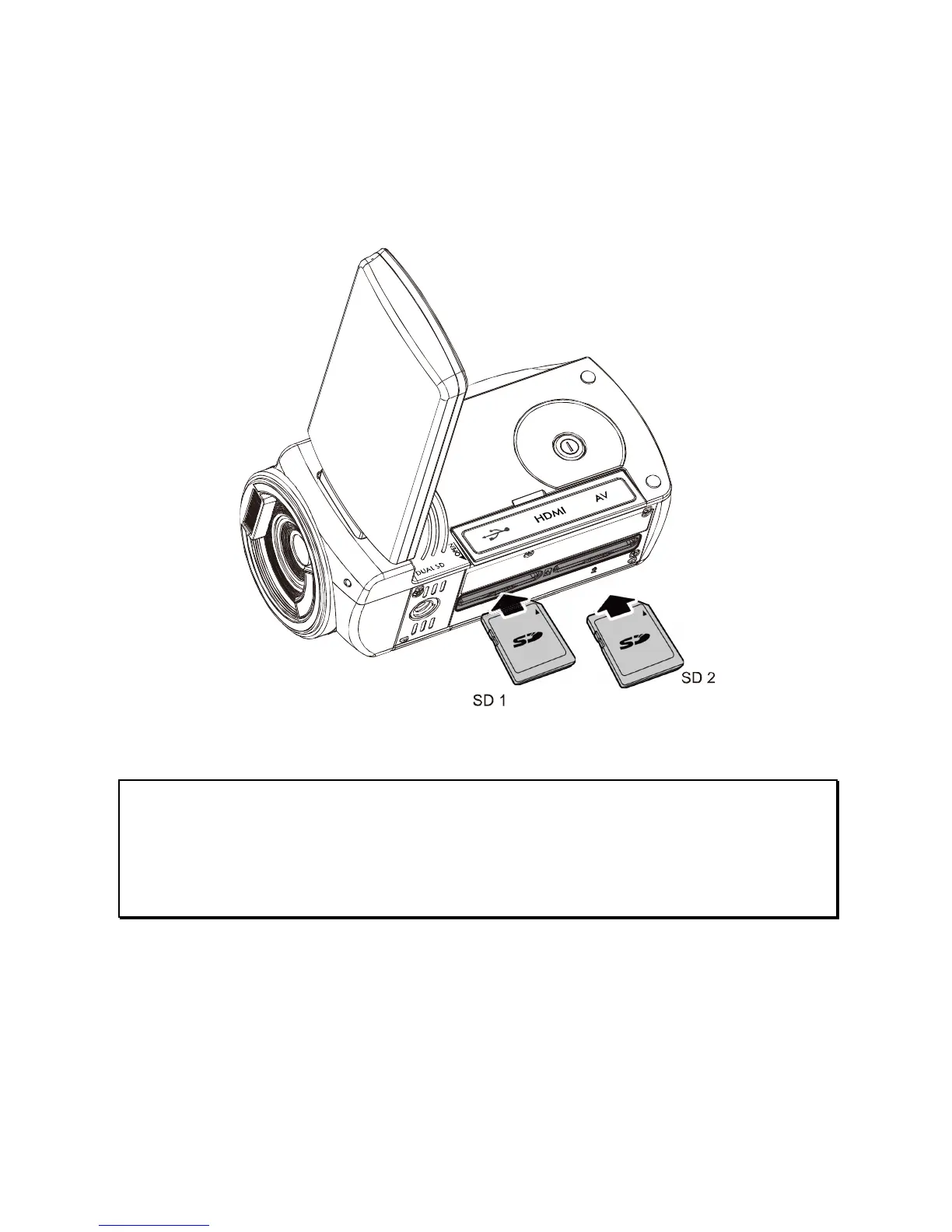
1.3 Inserting SD Card
1. Open the Insert an SD card and make sure facing the
touching face downward.
Note:
Please be careful to insert the SD card(s) as illustrated above so that
damage to the SD card(s) and camcorder does not occur.
To avoid damaging photos and video files, do not remove or insert the
SD card while the camcorder is powered on.



 To Next Page
 Loading...




