14
2 Modes
2.1 Video Mode
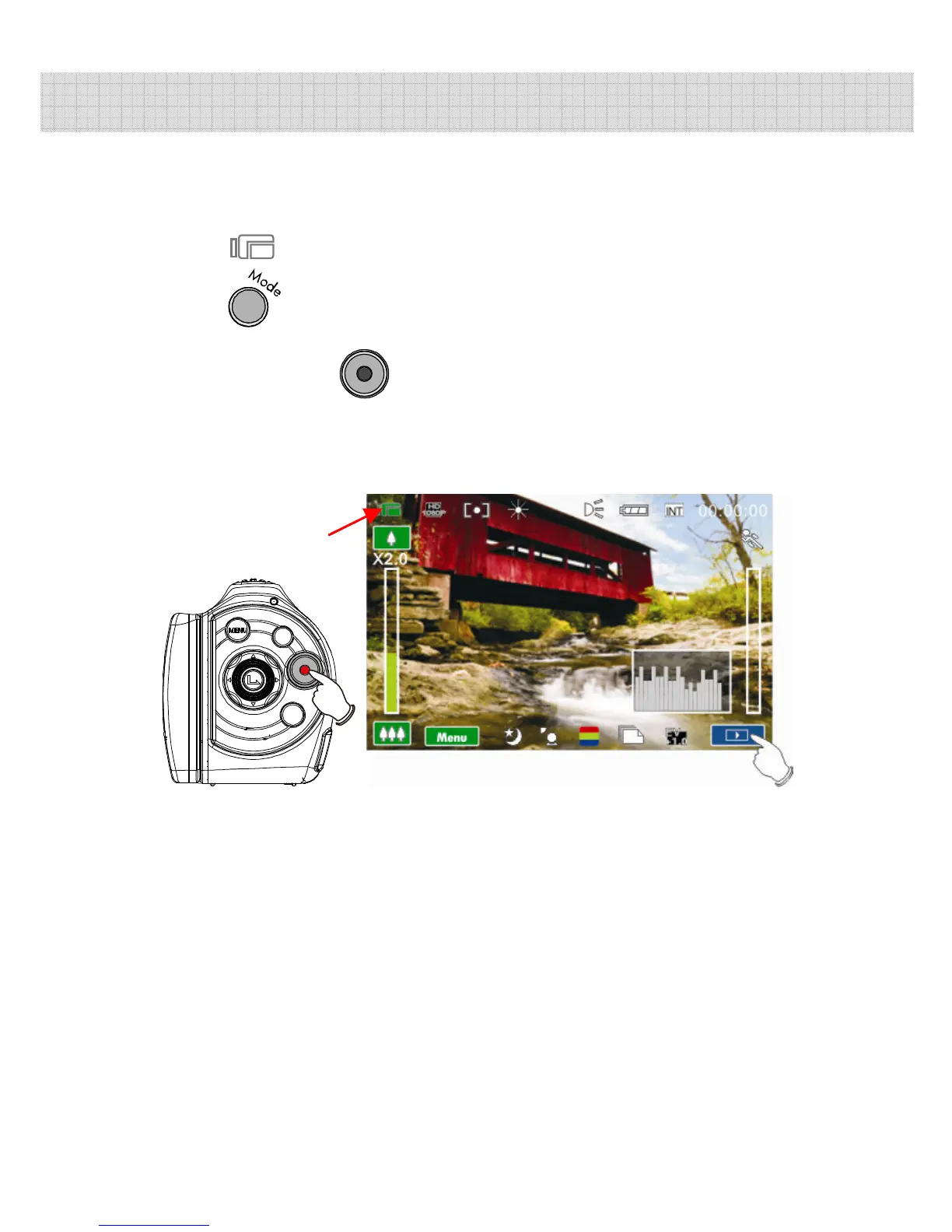
1. By default, this camcorder will power up to Video mode
. If the camcorder is not in Video mode, press the
until this mode is selected.
2. Press the button to start or stop video recording.
3. The Digital Camcorder will store the movie clip
automatically on the SD card when the recording stopped.
Video mode Indicator



 To Next Page
 Loading...




