EasyManua.ls Logo

HRESYS TL-LFP Series - User Manual

HRESYS TL-LFP Series
17 pages
Print Icon
To Next Page IconTo Next Page
Loading...
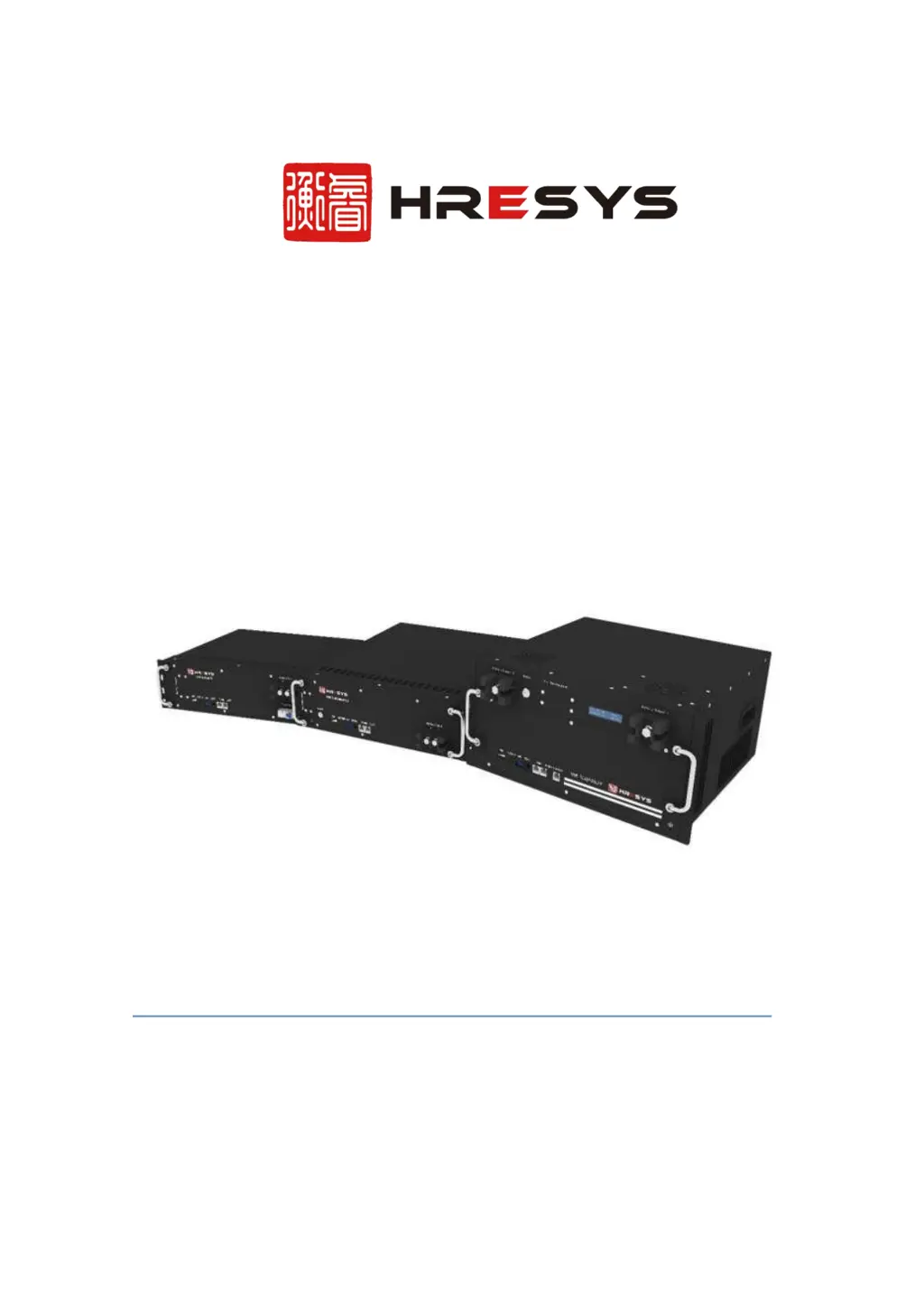
TL-LFP Series Lithium-ion Battery
OPERATION MANUAL ( V4.0)
ZHEJIANG HENGRUI TECHNOLOGY CO., LTD.
8F, Building 3, Tianxing International Center,
No.508 Fengtan Road, Hangzhou, China. 310011
Tel: +86-571-88189800 Fax: +86-571-87896688
Website: www.hresys.com Email: sales@hresys.com

Other manuals for HRESYS TL-LFP Series

Questions and Answers

  • L
    Lauren GonzalezAug 10, 2025
    Why HRESYS Camera Accessories battery won't charge?
    • J
      James BaxterAug 10, 2025
      Your HRESYS Camera Accessories battery may not be charging for several reasons. It might be fully charged already, which is normal. Check that the positive and negative power cables are correctly connected to the battery terminal. Also, the ambient temperature could be too low (below 0?) or too high (above 60?). In that case, regulate the ambient temperature to be between 0? and 60? for charging. If none of these are the cause, there may be a system failure, in which case you should shutdown the system and call maintenance service. If the battery is fully charged, it will recover automatically.
  • S
    Steven SimonAug 14, 2025
    How to fix HRESYS Camera Accessories battery that won't discharge?
    • J
      jshawAug 14, 2025
      The HRESYS Camera Accessories battery may not discharge due to several reasons: under-voltage protection, which means you should charge the battery; over-temperature or under-temperature (if the ambient temperature is lower than -20? or higher than 60?), so regulate the ambient temperature to be between -20? to 60? for discharging. It may be a short circuit, so relieve the short circuit and charge the battery; over-current protection, so remove some unimportant load and charge the battery. If it is a system failure, shutdown the system and call maintenance service.
  • M
    mackenzieaguirreAug 20, 2025
    What to do if HRESYS TL-LFP fails to start?
    • W
      William SchneiderAug 20, 2025
      If your HRESYS Camera Accessories fails to start, it might be due to several reasons: The total battery voltage is too low, so the BMS cannot start - contact the supplier to recover the battery voltage; the switch damaged, unable to start - contact the supplier to replace the switch; LED damaged, battery on - observe whether the battery can operate normal or not, contact the supplier to replace the LED; the battery is disconnected internally or BMS power supply circuit damaged - shutdown system and call for maintenance service.
  • B
    Brian WilliamsAug 25, 2025
    How to troubleshoot communication failure in HRESYS TL-LFP?
    • S
      Steven GonzalezAug 26, 2025
      A communication failure in your HRESYS Camera Accessories could stem from several causes. First, inspect the communication cable and check its definition, as there may be a fault. Second, make sure you've plugged into the correct communication port. Lastly, a system failure could be the cause, in which case you should shutdown the system and call maintenance service.
  • W
    weaverjustinAug 29, 2025
    Why HRESYS Camera Accessories battery display capacity is different from actual capacity?
    • C
      Christy MartinAug 30, 2025
      If the displayed capacity of your HRESYS Camera Accessories battery differs from its actual capacity, it may be due to SOC display deviation. Calibrate the SOC by fully charging and then fully discharging the battery.
  • L
    Laura HerreraSep 4, 2025
    What does it mean when all LED indicators are on in HRESYS Camera Accessories?
    • M
      Megan WashingtonSep 4, 2025
      When all LED indicators are on in your HRESYS Camera Accessories, it indicates a system failure. Shutdown the system and call for maintenance service.

HRESYS TL-LFP Series Specifications

General IconGeneral
BrandHRESYS
ModelTL-LFP Series
CategoryCamera Accessories
LanguageEnglish

Related product manuals