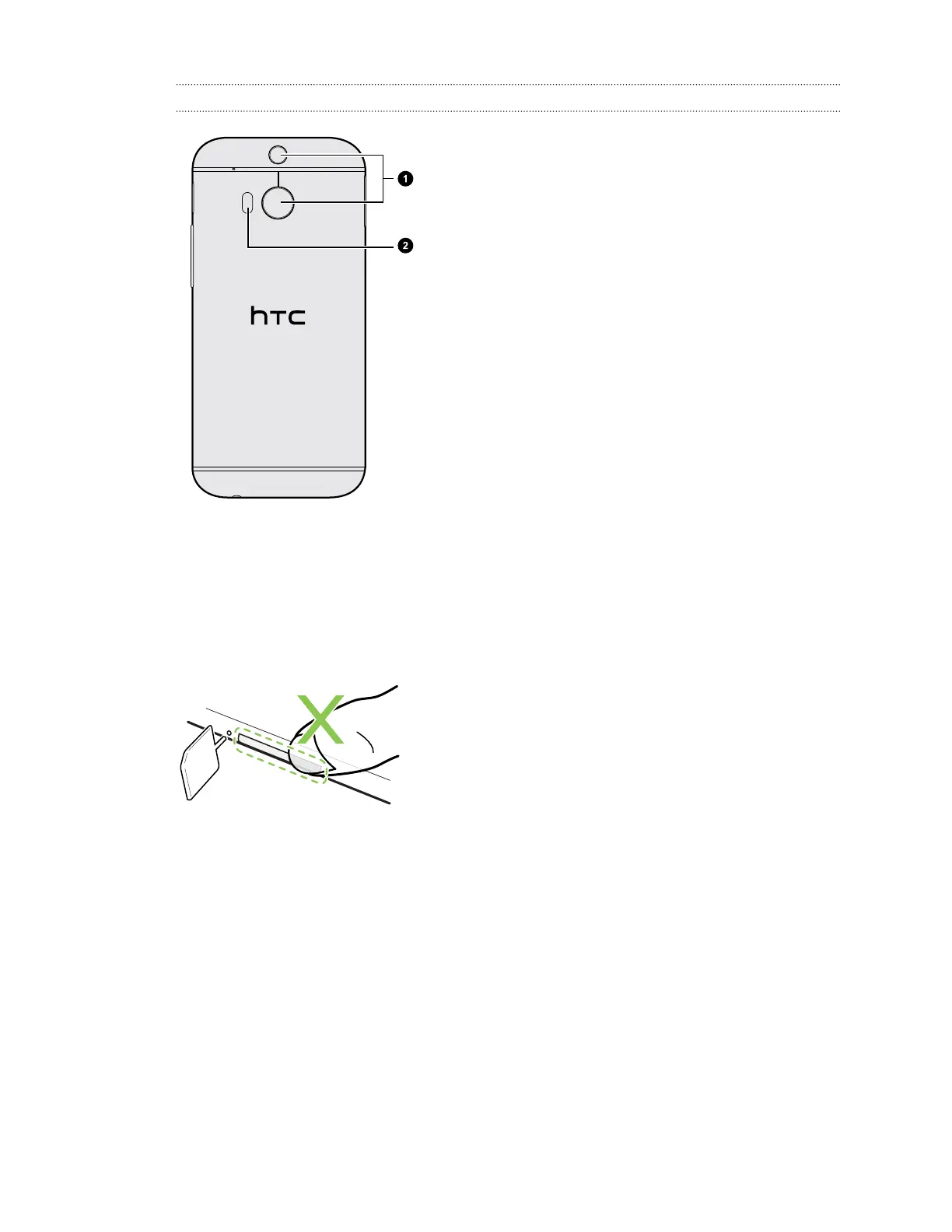
Back panel
1. Duo Camera
2. LED flash
Slots with card trays
There are trays inside the nano SIM and microSD slots that are used for inserting your cards.
When inserting the eject tool into the tray eject holes to remove the card trays, make sure not to
press on the trays to avoid damaging the eject mechanism inside the slots.
Also, if you want to use a protective case, make sure to buy a case that's designed for HTC One (M8)
and that doesn't block the trays.
12 Unboxing



 To Next Page