Other apps
HTC Dot View
Personalizing HTC Dot View
If you bought the HTC Dot View
™
case designed for HTC One (M8), use its app to personalize what's
seen through the case.
From the Home screen, tap , and then find and tap HTC Dot View.
The
HTC Dot View app is available in Google Play. Make sure to install the latest app update.
Wallpaper
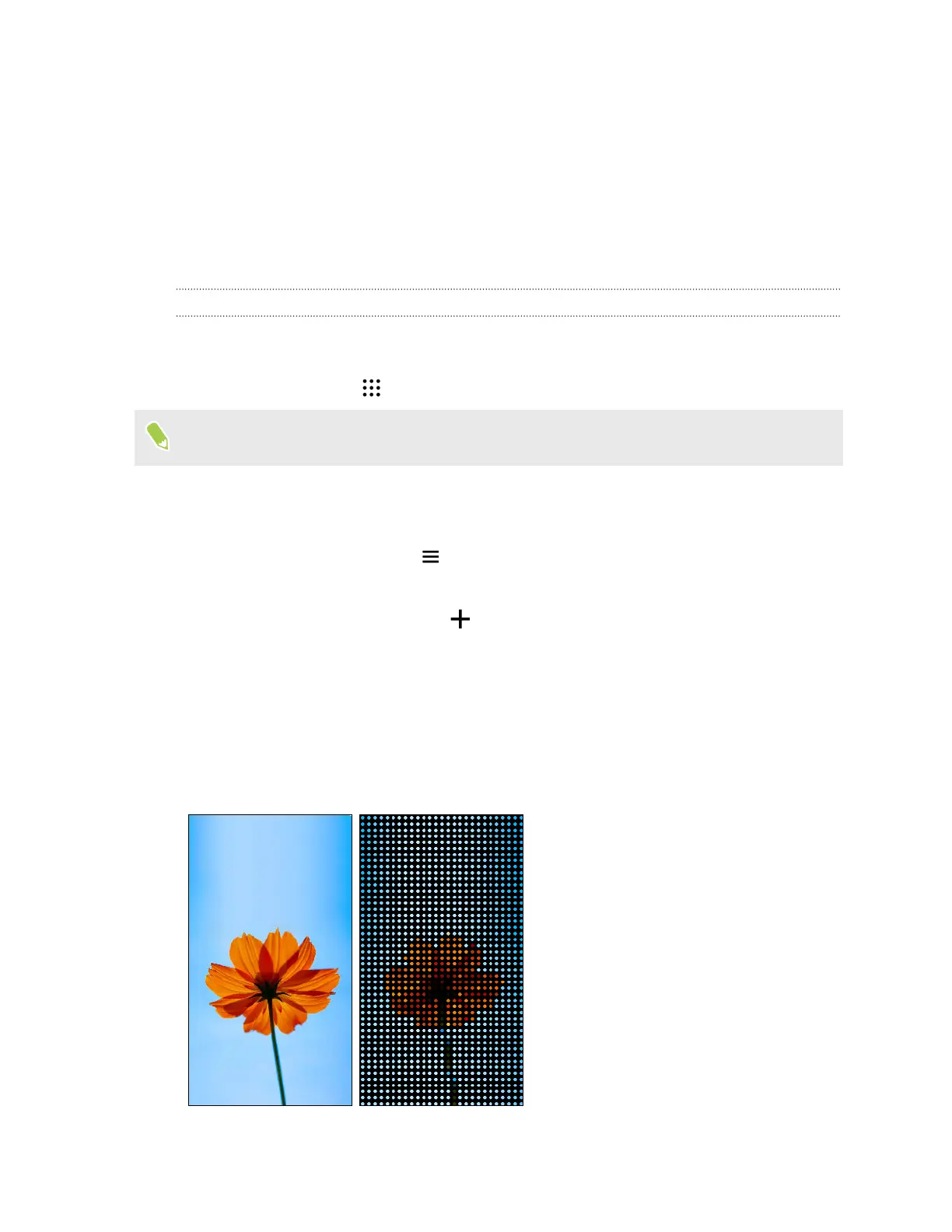
Choose a preset wallpaper, or create your own dotted wallpaper from a photo.
1. In the HTC Dot View app, tap > Themes.
2. Choose a preset pattern as your wallpaper.
To create your own wallpaper, tap , and then choose whether to use an existing photo
from Gallery or take a new photo. You can also add a wallpaper from the Themes app.
3. If you selected or taken a photo, crop the photo, and then tap Done.
4. Tap Apply.
For best results when creating your own wallpaper, use a simple image with distinct colors between
the subject and background. For example, use an image that shows a high-contrast subject on a
simple background.
169 Other apps



 To Next Page