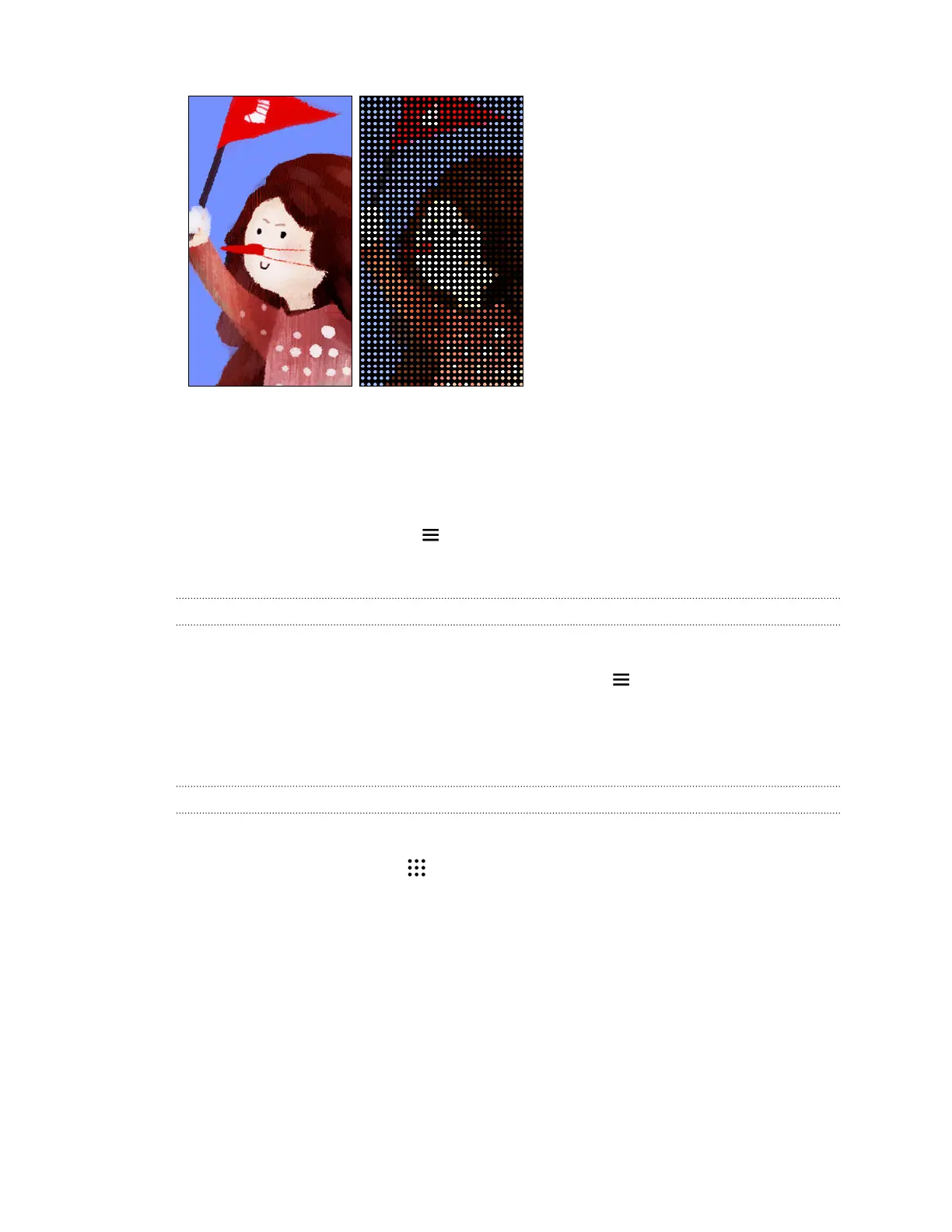
Types of notifications to display
Alerts for clock alarms, timers, and calendar events will automatically display through the
HTC Dot View case. You can choose whether to display or hide notifications for apps—which
include Mail, Messages, Phone, and more.
1. In the HTC Dot View app, tap > Settings > Notification settings.
2. Choose which app notifications you want to show or hide.
Not seeing recent calls on HTC Dot View?
By default, up to 3 received or dialed numbers will be displayed on HTC Dot View.
§ If you're not seeing them, open the HTC Dot View app, tap > Settings, and then select
Show call history.
§ If you've set a screen lock with credentials, you need to select Bypass security screen to
display the recent calls.
Music controls or app notifications not appearing on HTC Dot View?
Check if HTC Dot View Music Controls and Notifications are enabled in Settings.
1. From the Home screen, tap > Settings > Sound & notification.
2. Tap Notification access.
3. Tap the HTC Dot View Music Controls and HTC Dot View Notifications options if they're
not selected.
170 Other apps



 To Next Page