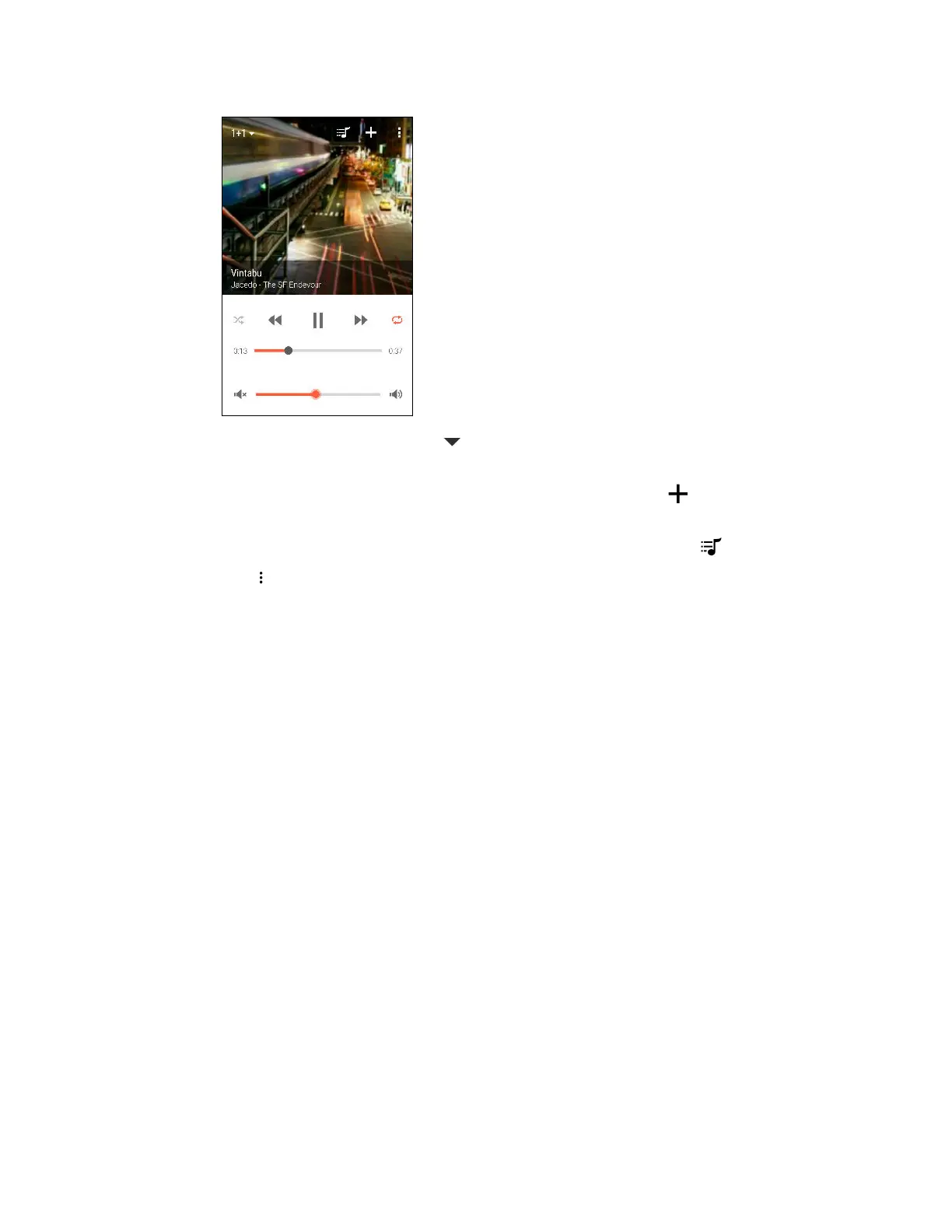
4. Use the controls in the app to control music playback and adjust the speaker volume.
5. To switch between speakers, tap next to the current speaker name, and then tap another
speaker.
6. When several phones are streaming music to the same speaker, tap to add your music to
the queue.
7. To view the queue and check where your music is lined up in the list, tap .
8. Tap to access HTC BoomSound Connect settings. You can rename speakers or clear the
queue.
123 Entertainment



 To Next Page