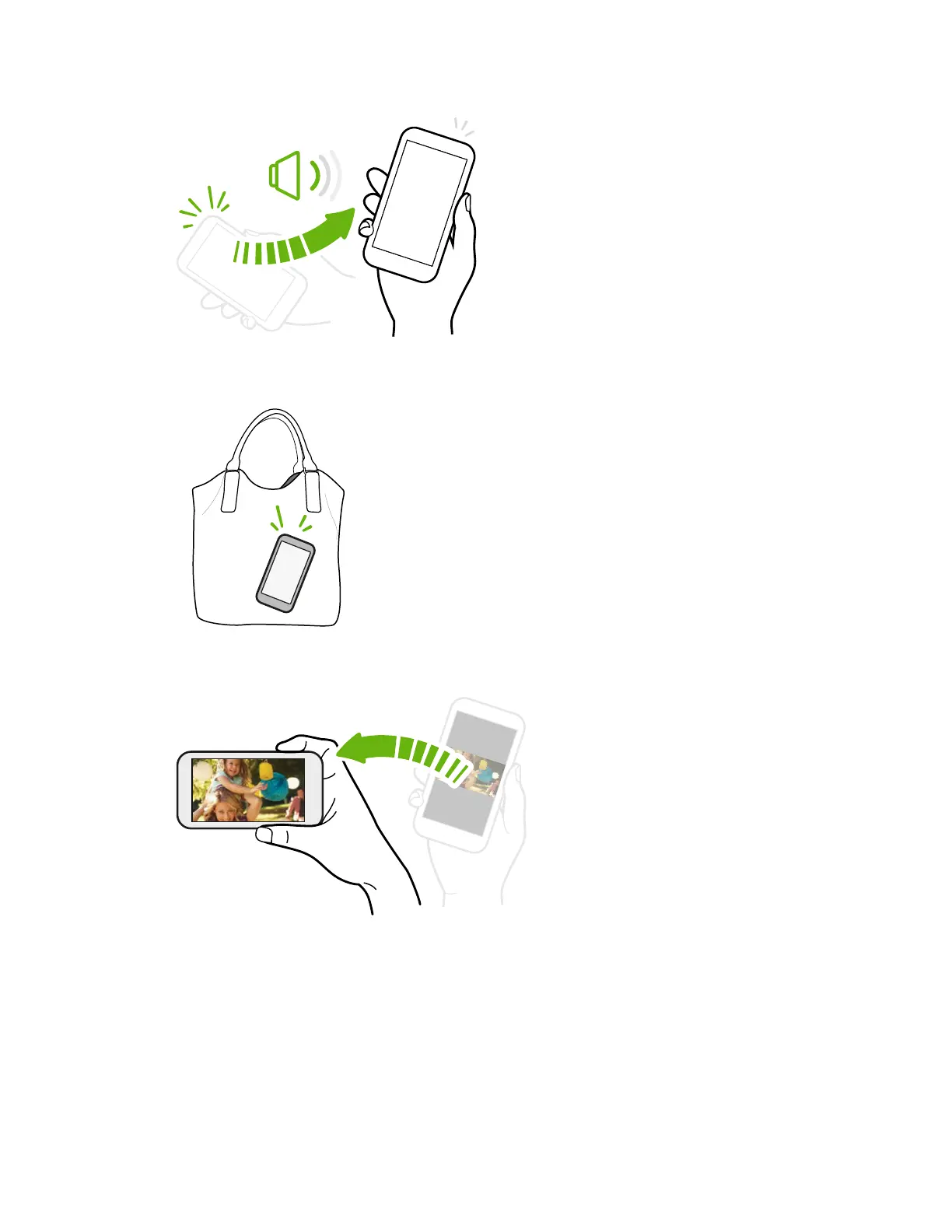
Pick up to lower volume
In a business meeting or restaurant, pick
HTC One (M8) up when a call comes in to lower
the ring volume automatically.
You can turn this feature on or off. Go to
Settings, tap Sound & notification, and then
select or clear Quiet ring on pickup.
Increase ring volume automatically while phone is in your pocket or bag
Pocket mode makes HTC One (M8) recognize when your phone is
in your bag or pocket and raise the ring volume so that you can
hear it in noisy environments.
You can turn this feature on or off. Go to Settings, tap Sound &
notification, and then select or clear Pocket mode.
Rotate HTC One (M8) for a better view
For many screens, you can automatically
change the screen orientation from
portrait to landscape by turning
HTC One (M8) sideways.
When entering text, you can turn
HTC One (M8) sideways to bring up a
bigger keyboard.
29 Your first week with your new phone



 To Next Page