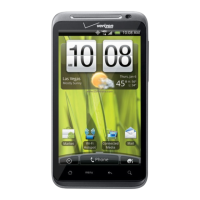
There are many ways in which you can personalise your phone to make it truly
individual and to ensure your ringtone stands out from the crowd. Your phone has
ringtones and pictures stored on it for immediate use and you can also download
more from Orange World.
personalise your phone
your HTC Tattoo make your phone your own
change your ringtone
1 Press HOME > MENU, and then
tap Settings.
2 Tap Sound & display > Phone ringtone.
3 Tap the ringtone you want to use, and
then tap OK. The ring tone briefly plays
when selected.
change your Homescreen wallpaper
1 Press HOME > MENU, and then
tap Wallpaper.
2 Select Wallpaper gallery-Home to use
preset phone wallpapers or tap Albums
to use a photo that you have captured
using the camera or copied to your
phone as a wallpaper.
3 Select an image, and then tap
Set wallpaper or Save.



 To Next Page