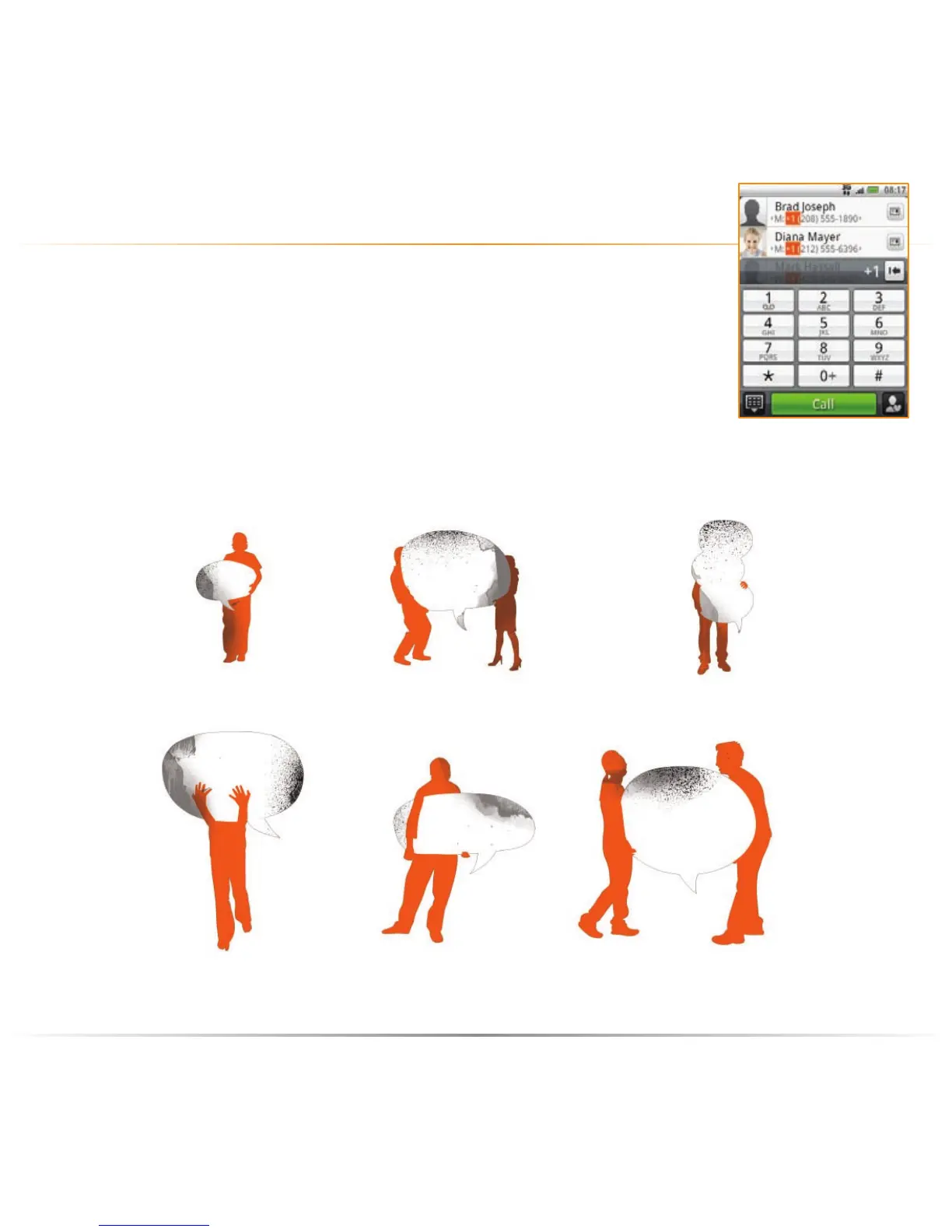
Making a call is as easy as tapping Dialler on the Homescreen,
dialing the number or name of the contact, and then tapping
the contact you want to call from the Smart Dial list.
If you’re calling from abroad, add the international “+” symbol
and the country/area code as sppropriate . Change the
volume during a call using the volume control buttons.
make a call
Image by Ingi Erlingsson of the Young Creatives Network.
your HTC Tattoo the basics – calling



 To Next Page