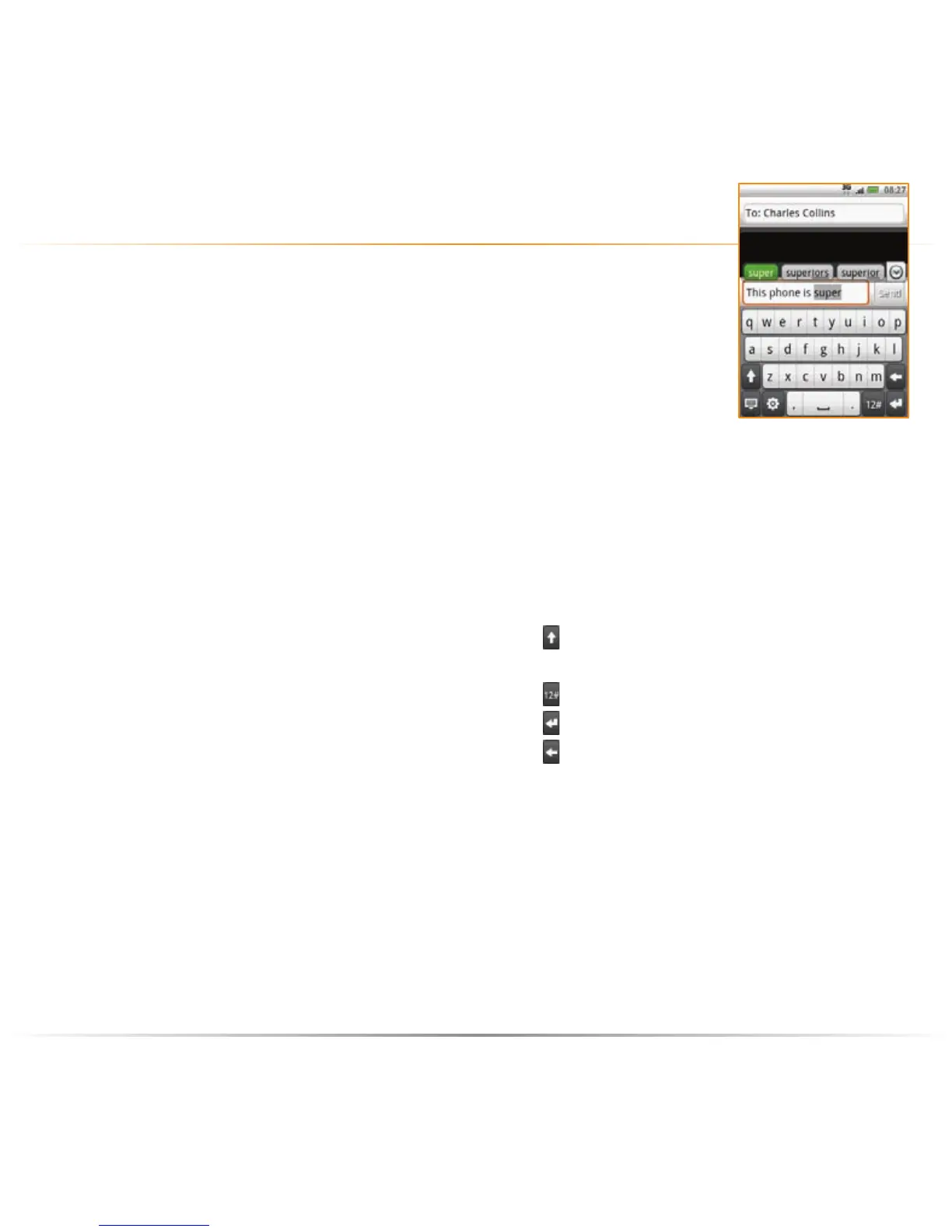
Text messages are a quick and easy way to keep in touch
when you’re on the move. Whether you need to send important
news, a time to meet, or make someone smile, texts are a great
way to communicate. Using predictive text (XT9) means the
phone will predict the word as you enter it, so you only need
to press the key once.
send a text message
your HTC Tattoo the basics – text messaging
to write a text message
1 On the Homescreen, tap Messages,
and then tap Compose message.
The Compose screen opens.
2 Enter the mobile phone number of the
message recipient in the To field.
As you enter the phone number,
matching contacts will appear on the
screen. Tap a recipient or continue
entering the recipient’s phone number.
3 Tap the text box with the “Tap to
compose” label, and then start
composing your message.
While entering your message, tap:
to shift between upper and lower
case
to insert a symbol
to insert a carriage return
to delete a character.
4 When you have finished entering your
message, simply tap Send to send the
text message.



 To Next Page