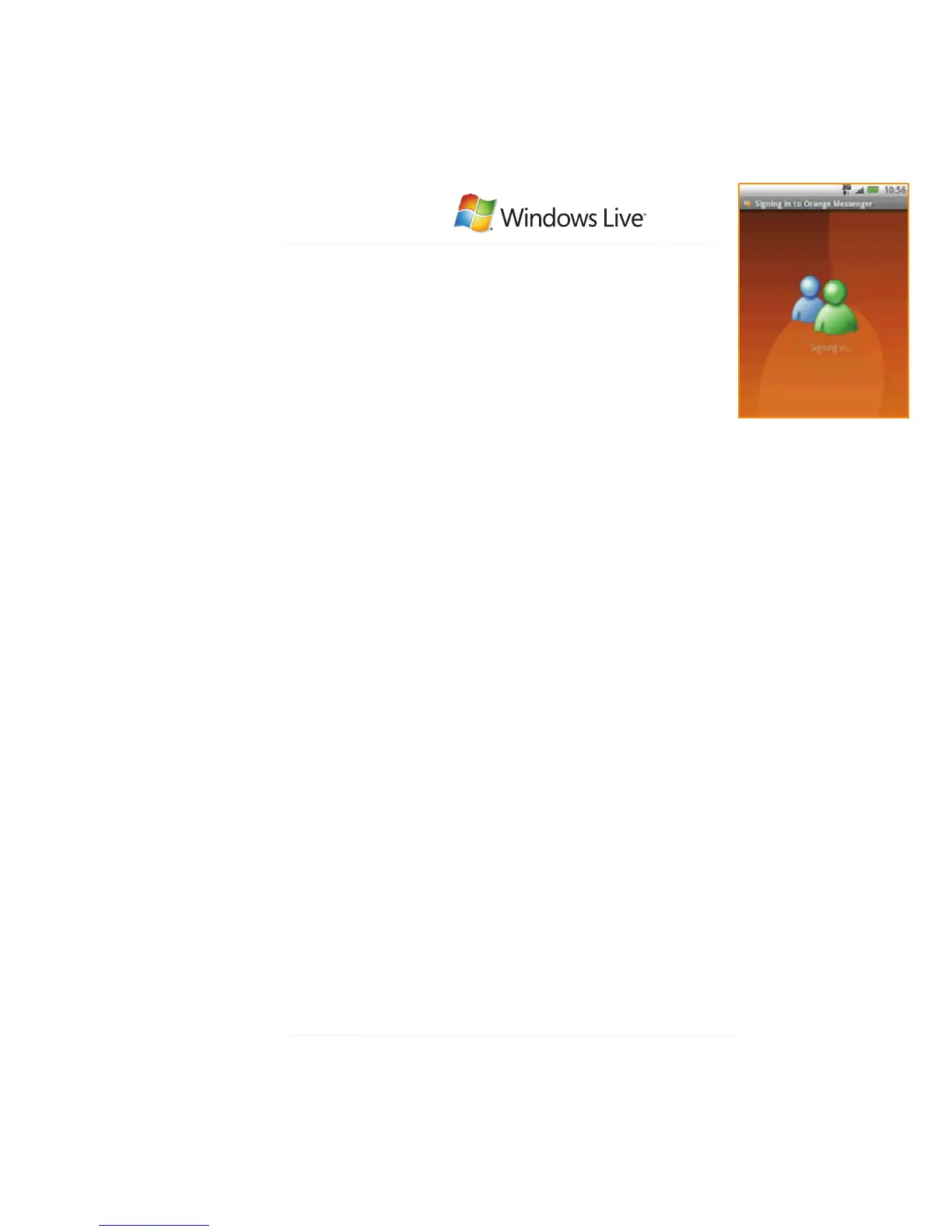
Orange Messenger by Windows Live™ lets you chat to your
friends, whether they’re using a PC or phone.
It’s powered by Windows Live Messenger™ so you’ll have
access to all the great features you’re used to when using
Windows Live Messenger™ on your PC, like your contact
list and Buddies.
Messenger by
your HTC Tattoo Windows Live Messenger on your Orange mobile
how to access Orange Messenger
on your phone:
1 Press HOME, tap All, and then tap
Orange Messenger .
2 Tap Sign up for a Orange Messenger
by Windows Live ID to create an
Orange Messenger by Windows Live™
account.
3 Upon connecting to the network a page
appears for you to enter your email
address and your password before
accessing the login screen.
4 Enter your email address, domain, and
password in the Sign in screen.
5 Check Remember my password if you
wish your password to be saved for
your subsequent logins.
6 You can also select the option Sign me
in automatically so that you don’t need
to manually sign in when you launch
Orange Messenger by Windows
Live™.
7 Tap Sign in to enter to the service.
For more information go to
www.orange.co.uk/communicate/owl
or visit Orange World - Chat & Flirt
on your mobile.



 To Next Page